
Build. Ship. Deploy. Scale.
Simple enough to launch in hours. Sophisticated enough to build the front end, back end, data layer, AI engines, integrations, jobs, and runtime behind enterprise operations.
Not just workflow automation. Actual applications.
Most automation tools stop at the workflow. Intellectible keeps going. Build the interface, run the logic, store the data, read the documents, connect the systems, schedule the jobs, expose the app, and control who can use it.
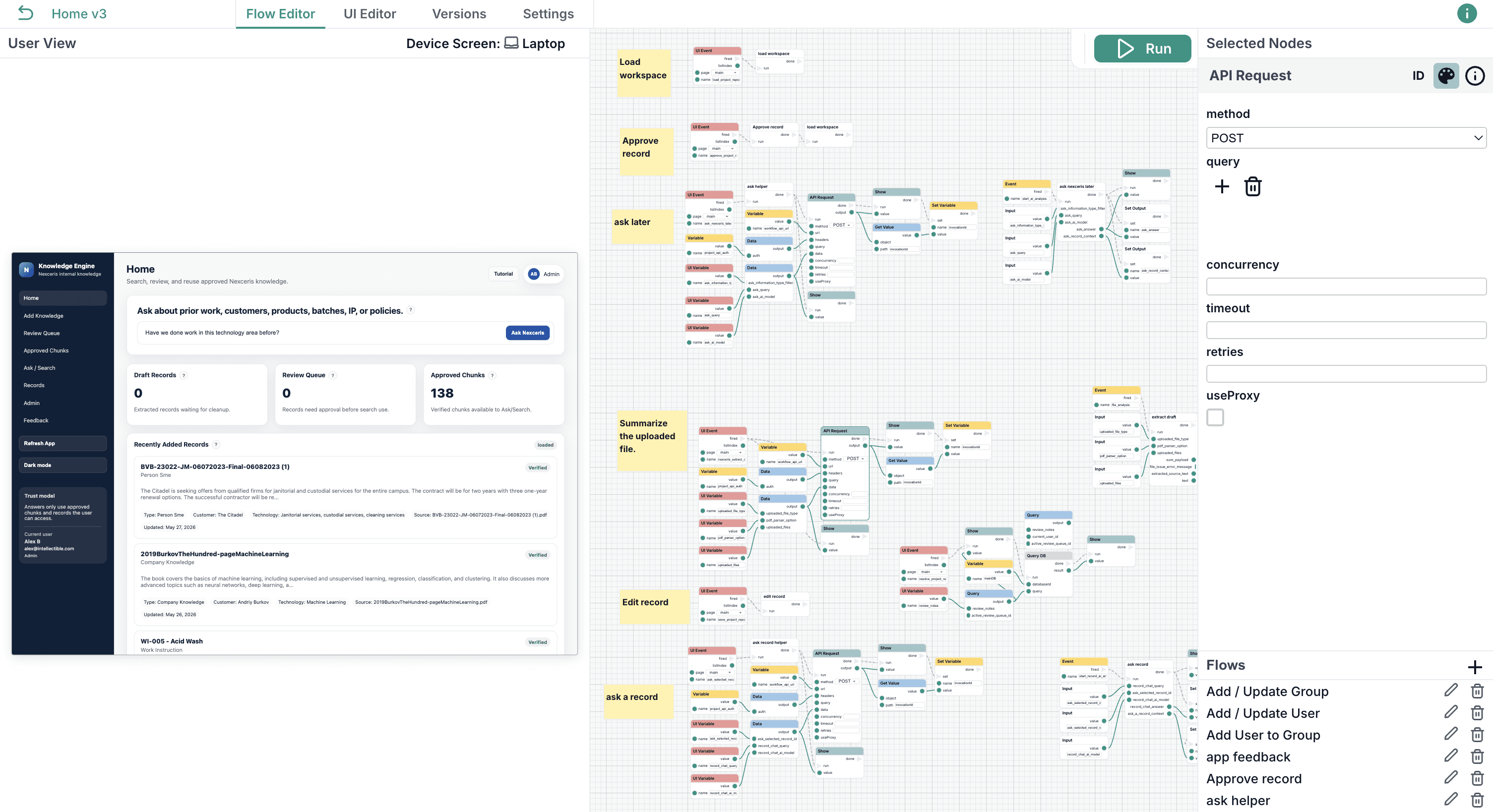

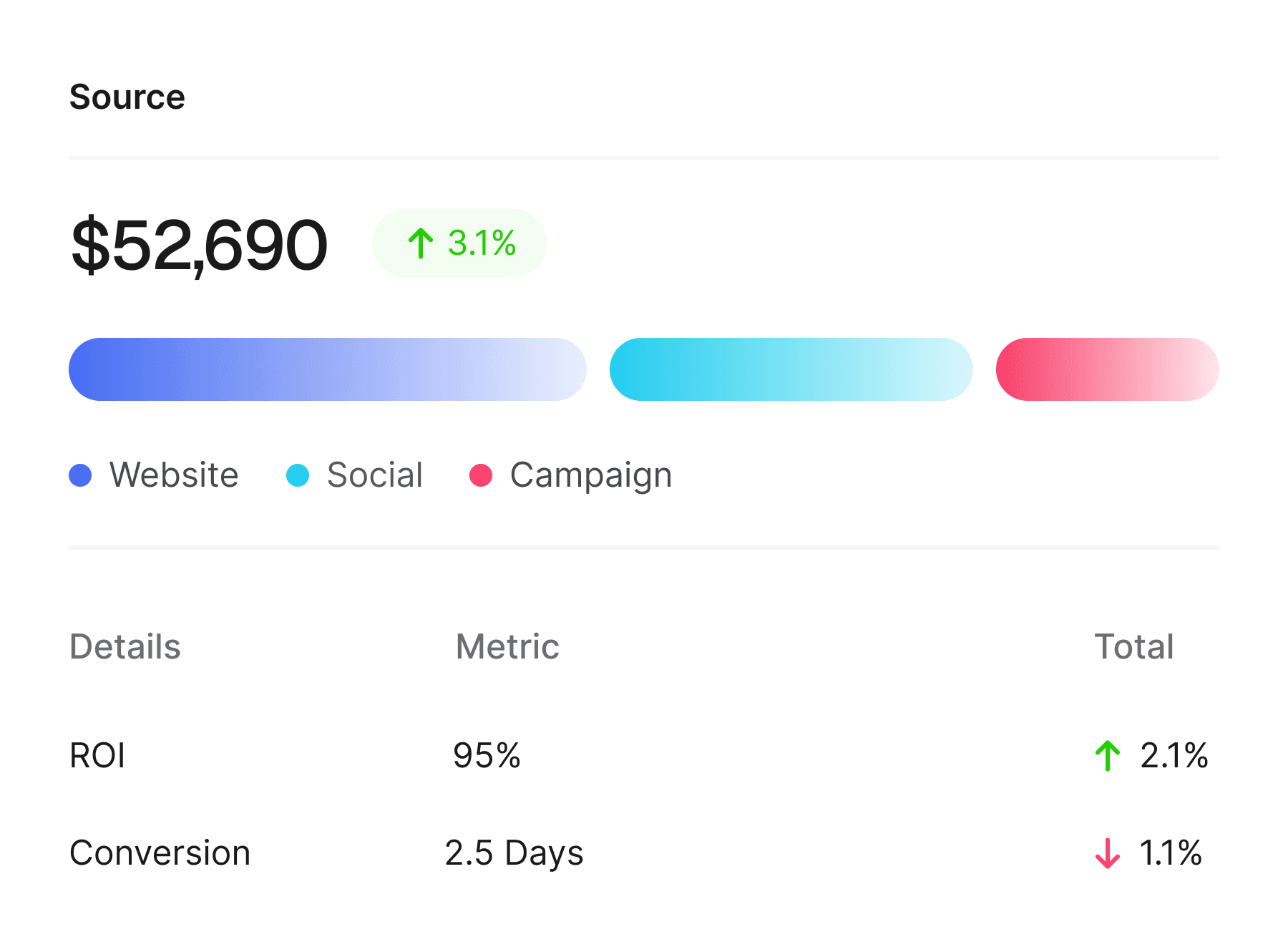
Build enterprise systems without rebuilding the foundation
Use one workspace to create the apps, workflows, data layers, AI logic, integrations, and governance behind your business operations.
Build the system. Skip the stack.
CREATE ANYTHING
Use one workspace to create AI apps, workflows, data layers, integrations, and governed enterprise automation.
Pages
Forms
Dashboards
Workflow apps
AI engines
Agents
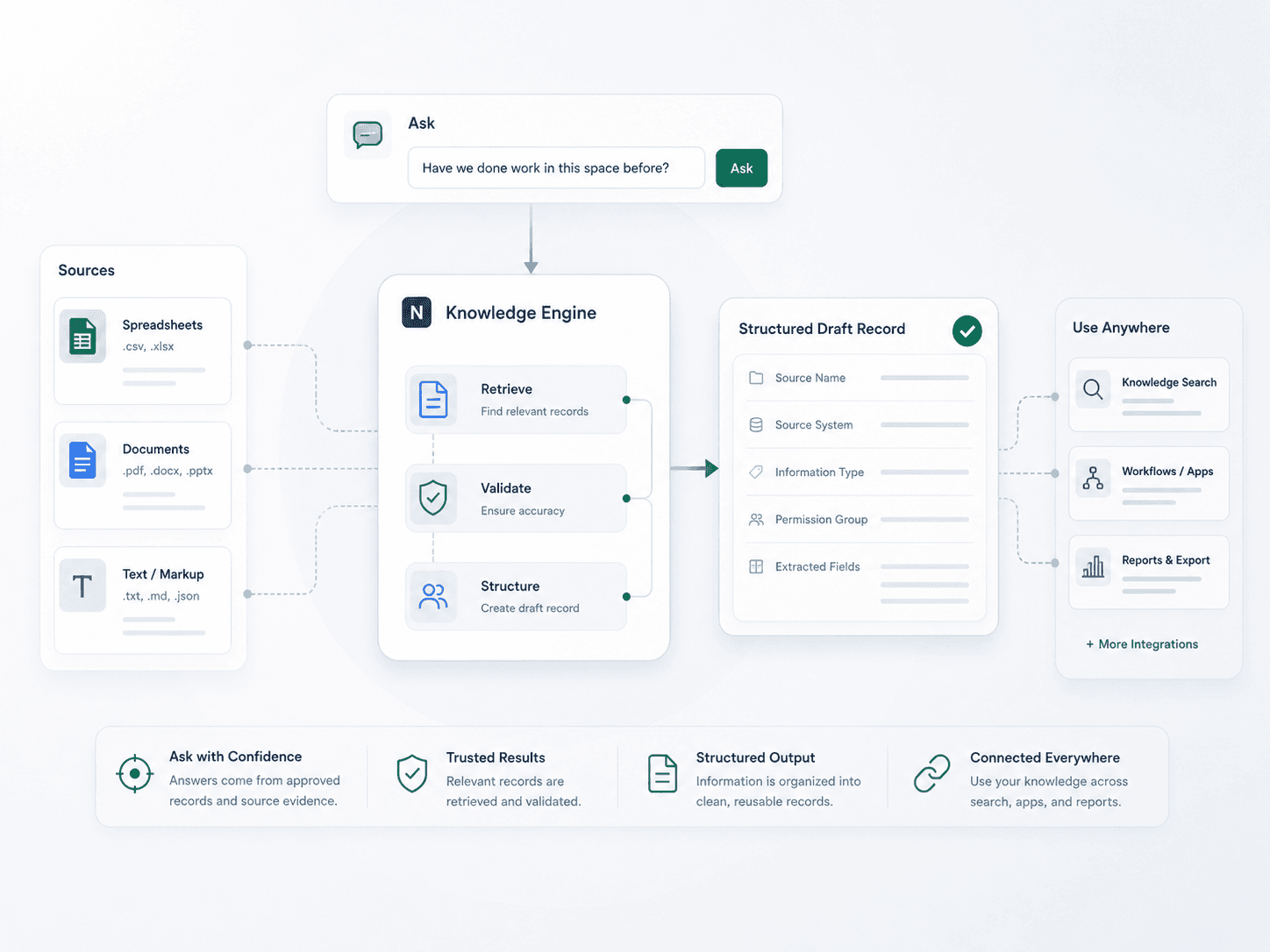
Knowledge systems
Client portals
Internal tools
Data products
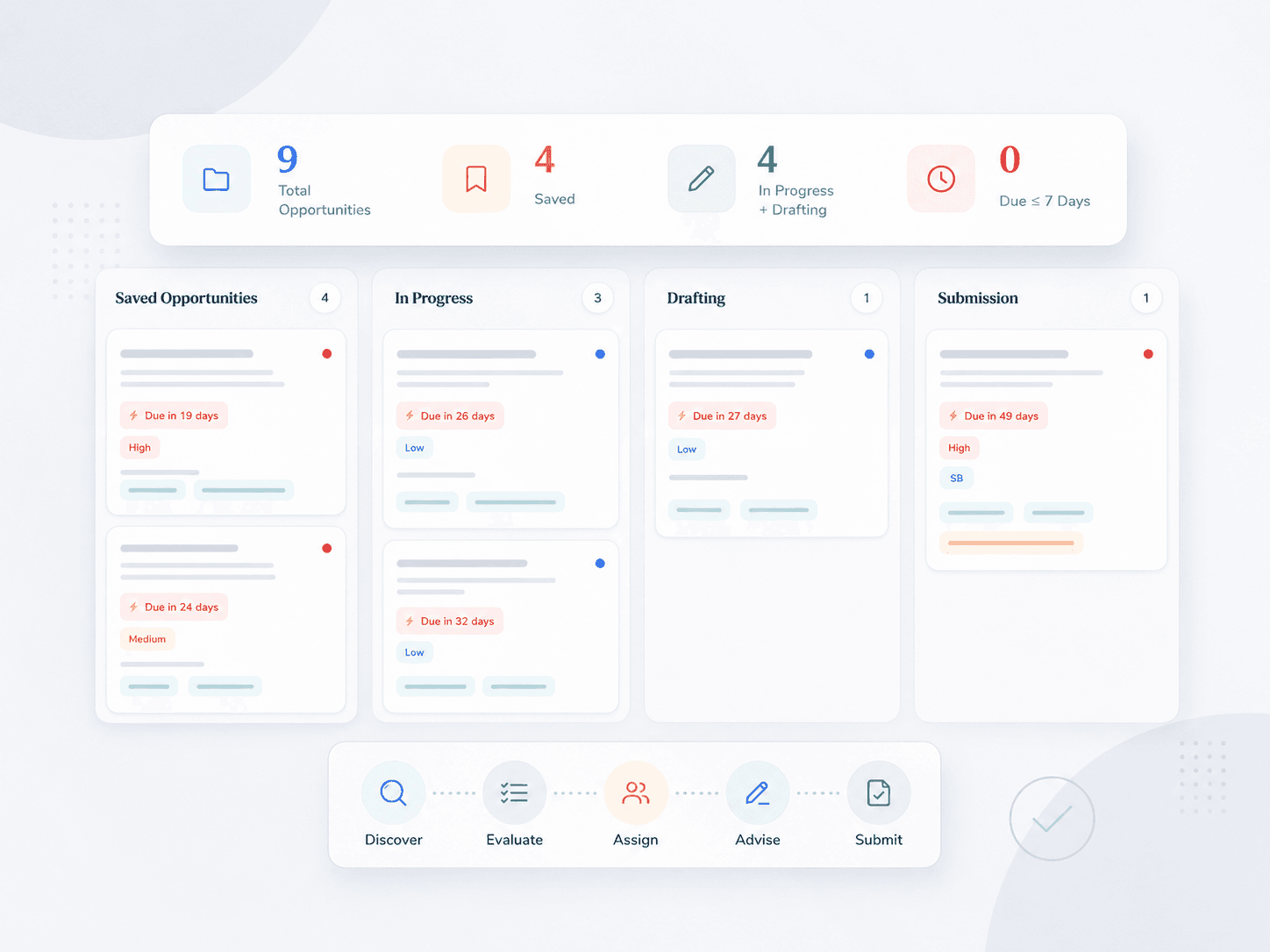
Approval queues
Jobs & batches
Proposal engines
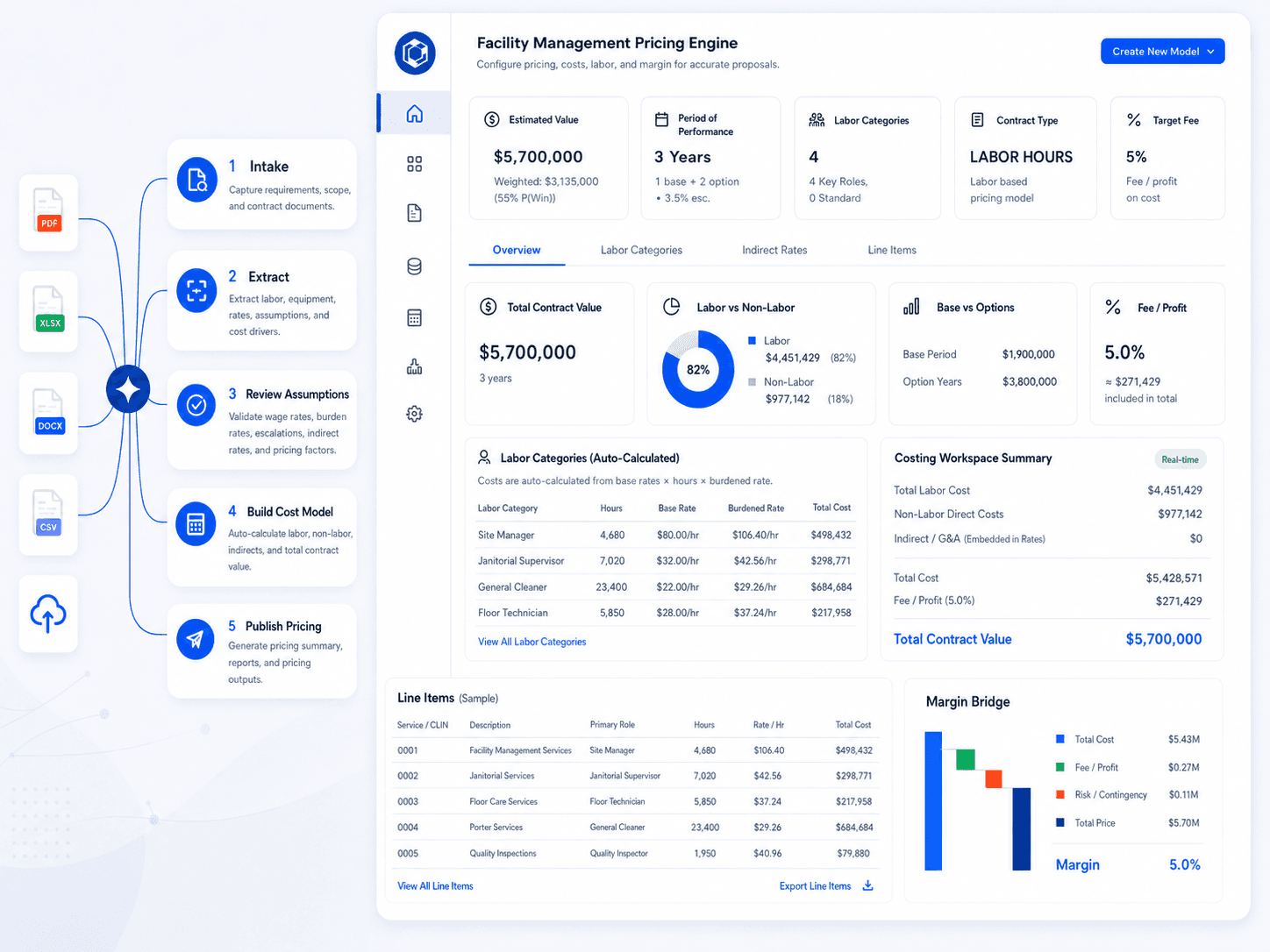
Pricing engines
GovCon engines
Your infrastructure pre-built.
READY OUT OF THE BOX
Runtime, databases, parsing, retrieval, APIs, permissions, deployment, and governance come built in.
Front-end scaffolding
Workflow runtime
Database setup
File parsing
AI retrieval layer
API endpoints
Webhook plumbing
Job runners
Batch processing
Deployment scripts
Runtime handoff
Team access
Versioned publishing
Connection setup
Everything stays connected.
Pages trigger workflows. Workflows read documents. AI writes to databases. Databases power applications. Jobs keep the work running. Connections push the result back into the systems your business already uses.
Build the logic visually. Keep the power of code.
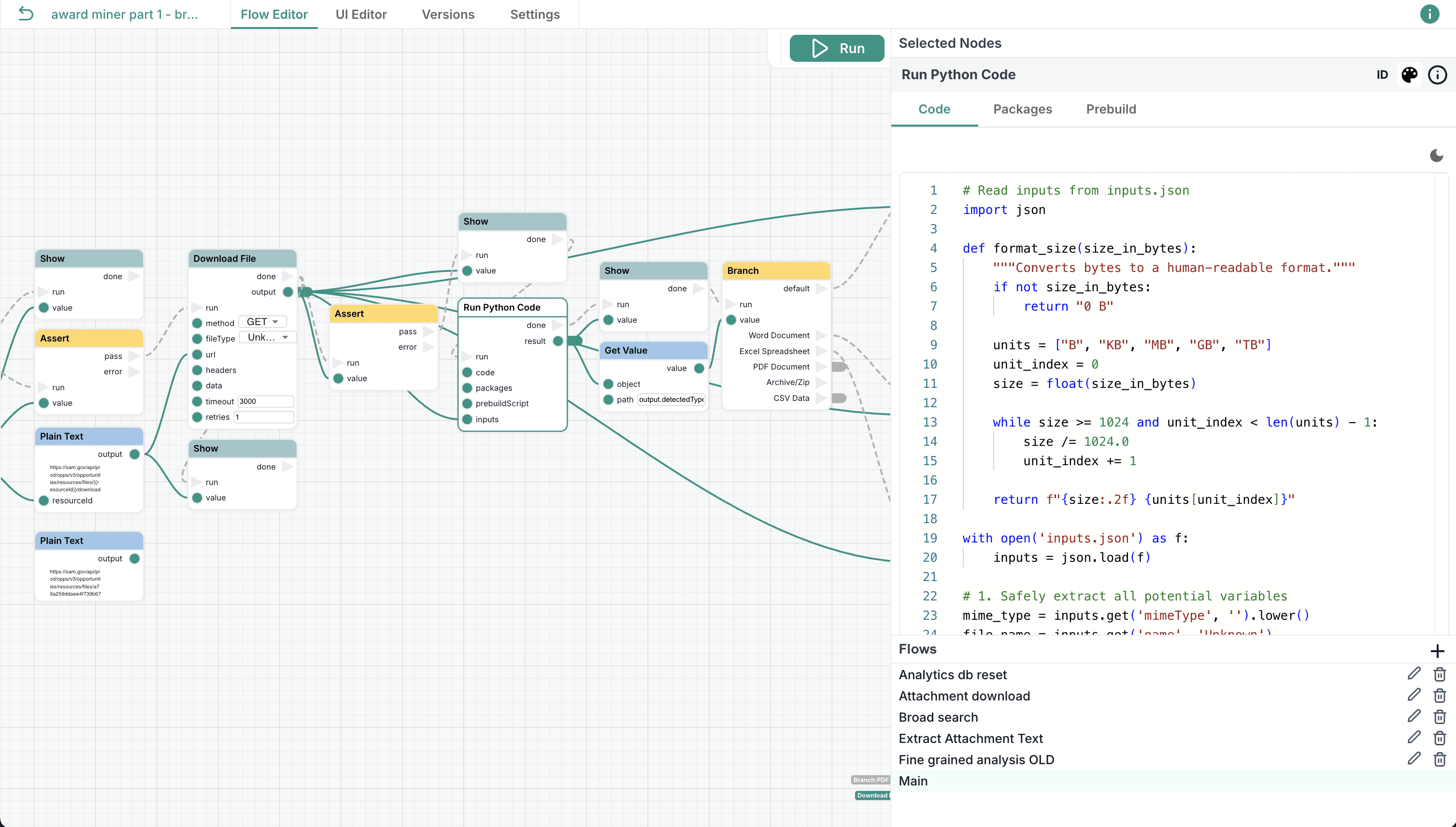
Start with a blank canvas. Drop in nodes. Connect the path. Watch data move from step to step.
Build one-click automations, document processors, AI agents, approval flows, data pipelines, internal tools, and full enterprise systems without turning every idea into a six-month engineering project.
Branch, loop, transform, validate, and route data across complex business processes.
Reuse logic with subflows instead of rebuilding the same steps again and again.
Add JavaScript or Python when the workflow needs custom code.
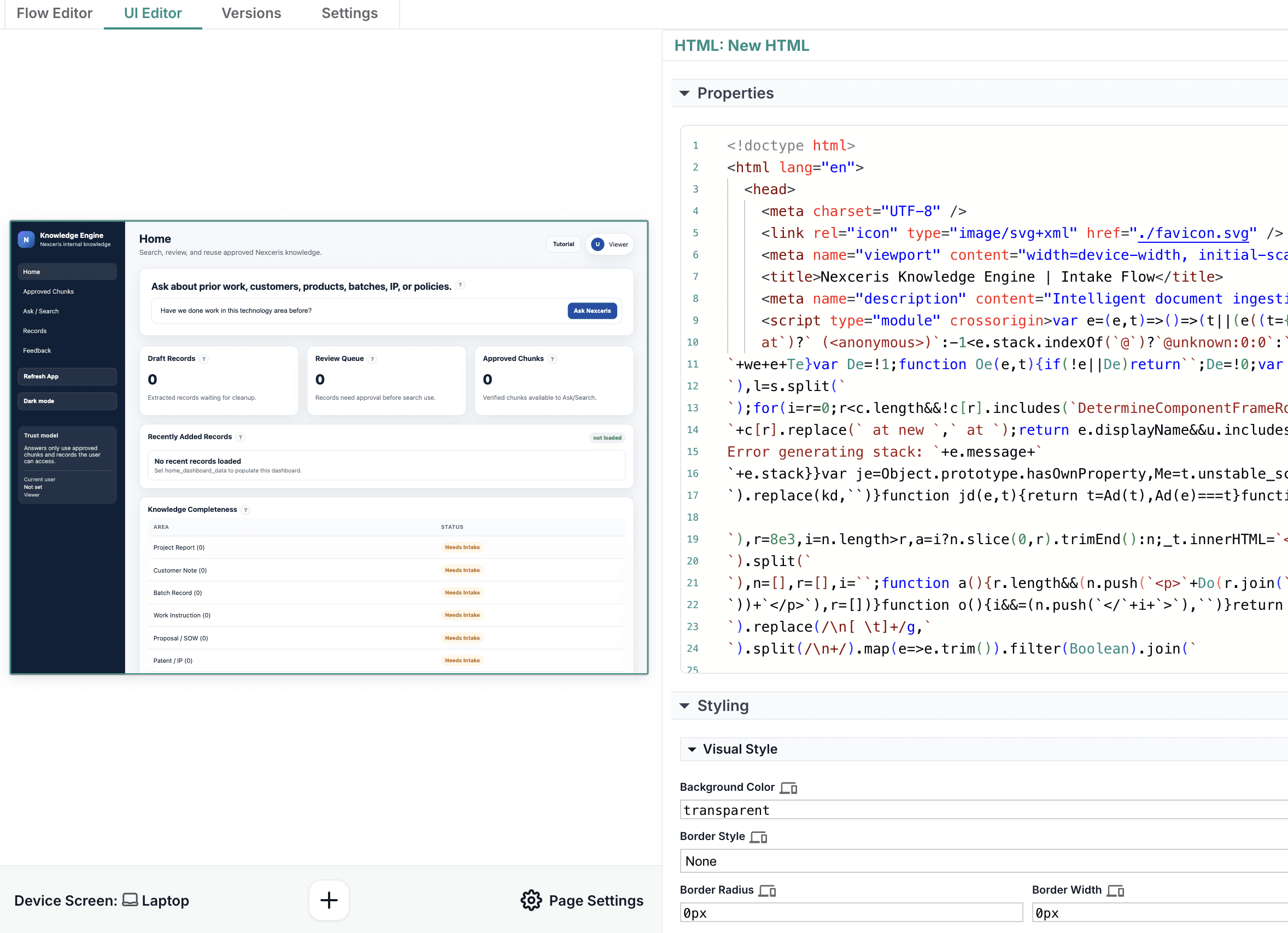
Build the front end, not just the workflow.
Your automation does not have to live behind a button in someone else’s app. It can become the app.
Create pages, portals, dashboards, forms, tools, review screens, and internal applications with a visual UI builder connected directly to workflows, databases, documents, and AI.
Design pages, components, containers, inputs, charts, tables, and responsive layouts.
Collect files, instructions, selections, and user input from clean front-end experiences.
Publish live tools with implementations, version controls, and protected workflow logic.
Store data without bolting on another tool.
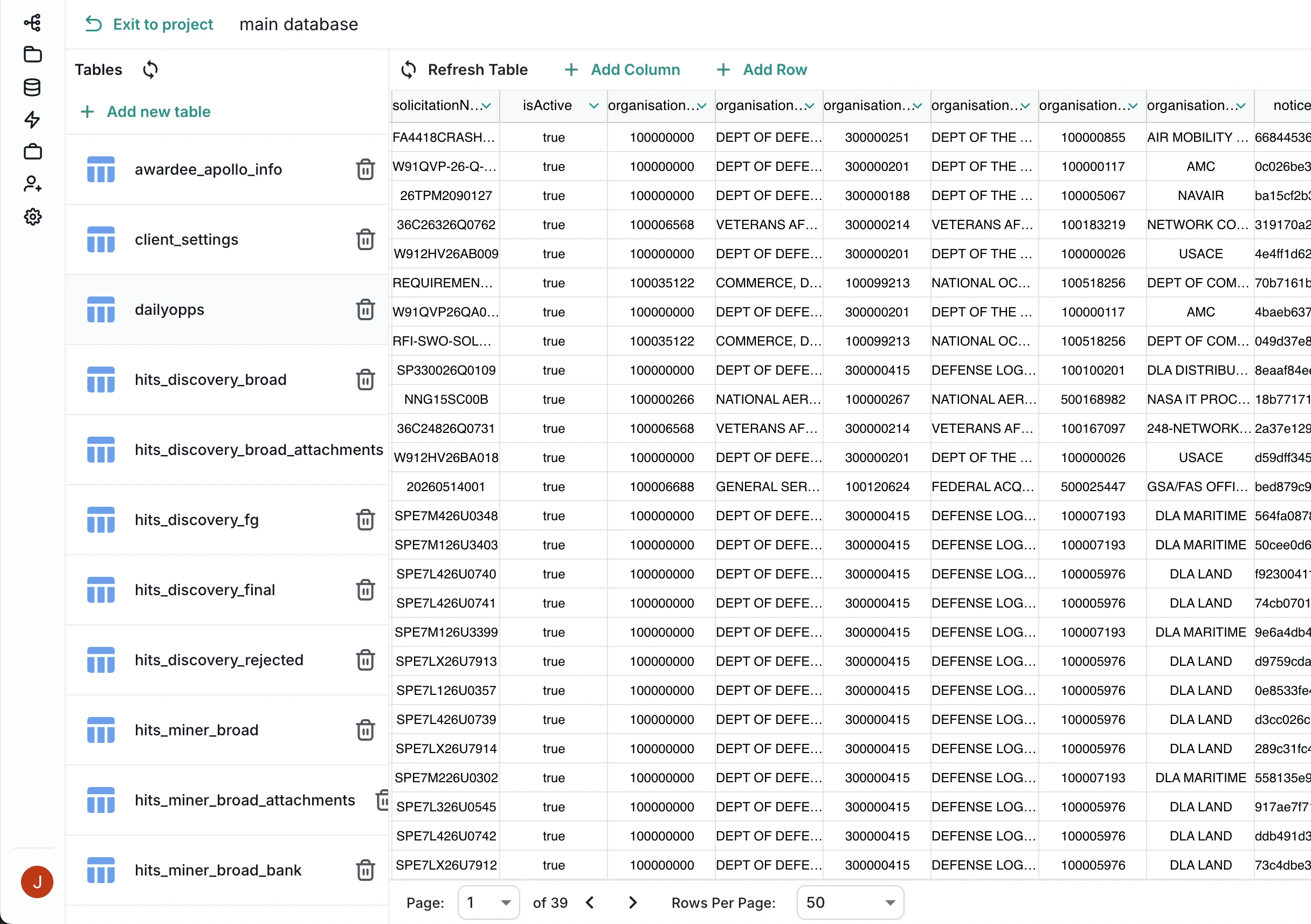
Every serious system needs memory. Intellectible includes project-scoped databases for structured records, workflow state, AI outputs, reporting data, reusable content, and operational memory.
Use the back end to run AI, process documents, transform data, query databases, call APIs, send messages, update systems, and return outputs to the front end.
Use visual queries, raw SQL, database nodes, and SDK access from code.
Power dashboards, queues, records, approvals, and long-running workflows.
Use vector search and AI memory for knowledge-driven applications.
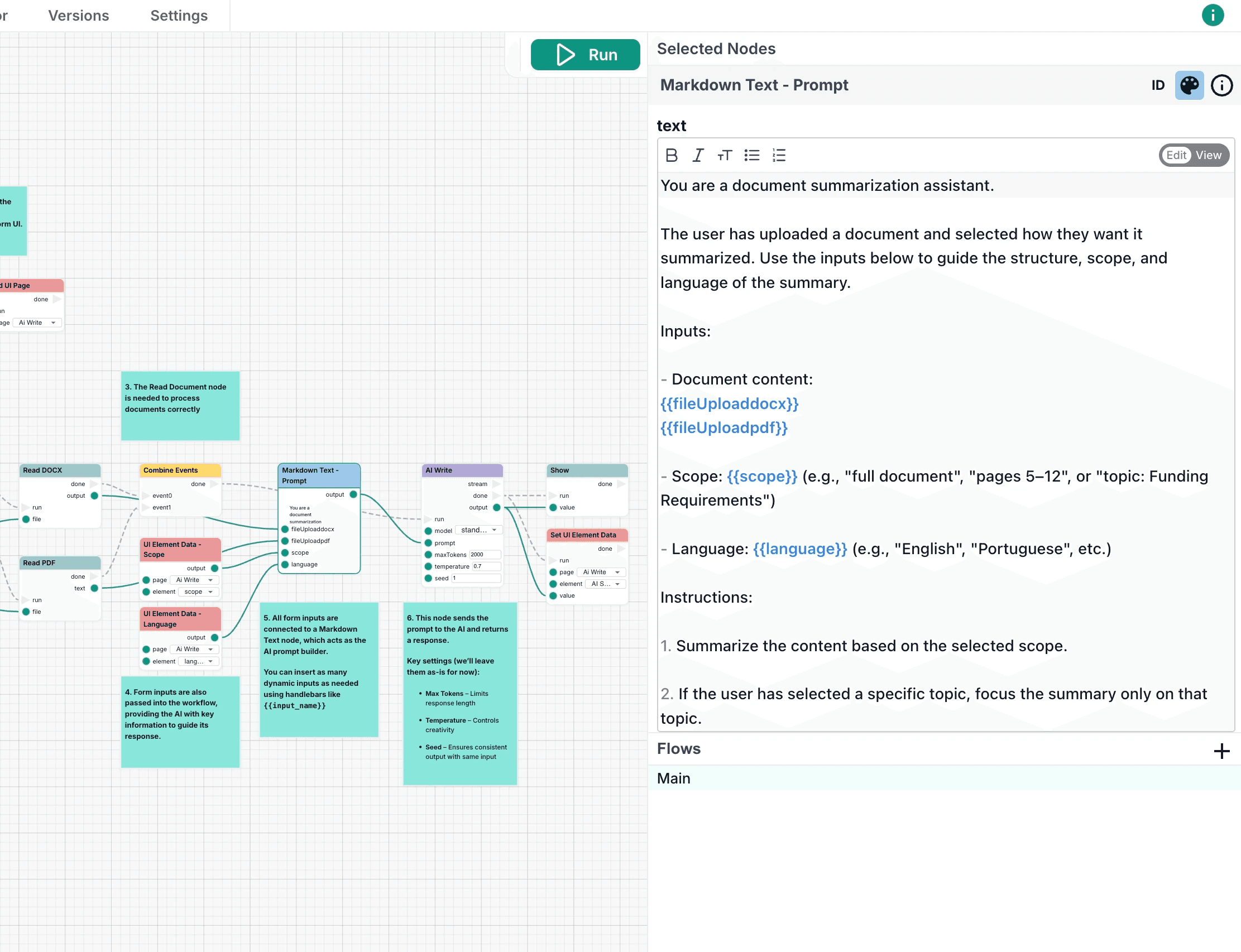
Build AI around the work, not the other way around.
Generic AI is easy to demo. Enterprise AI has to read the right documents, follow the right process, update the right systems, store the right outputs, and give the right people control.
Use AI inside workflows to summarize, extract, classify, write, search, reason, analyze images, and generate structured outputs grounded in your source material.
Read RFPs, contracts, policies, transcripts, pricing files, research, and internal knowledge.
Extract requirements, dates, risks, fields, clauses, scores, and decision criteria.
Turn AI responses into workflows, records, dashboards, jobs, emails, and live apps.
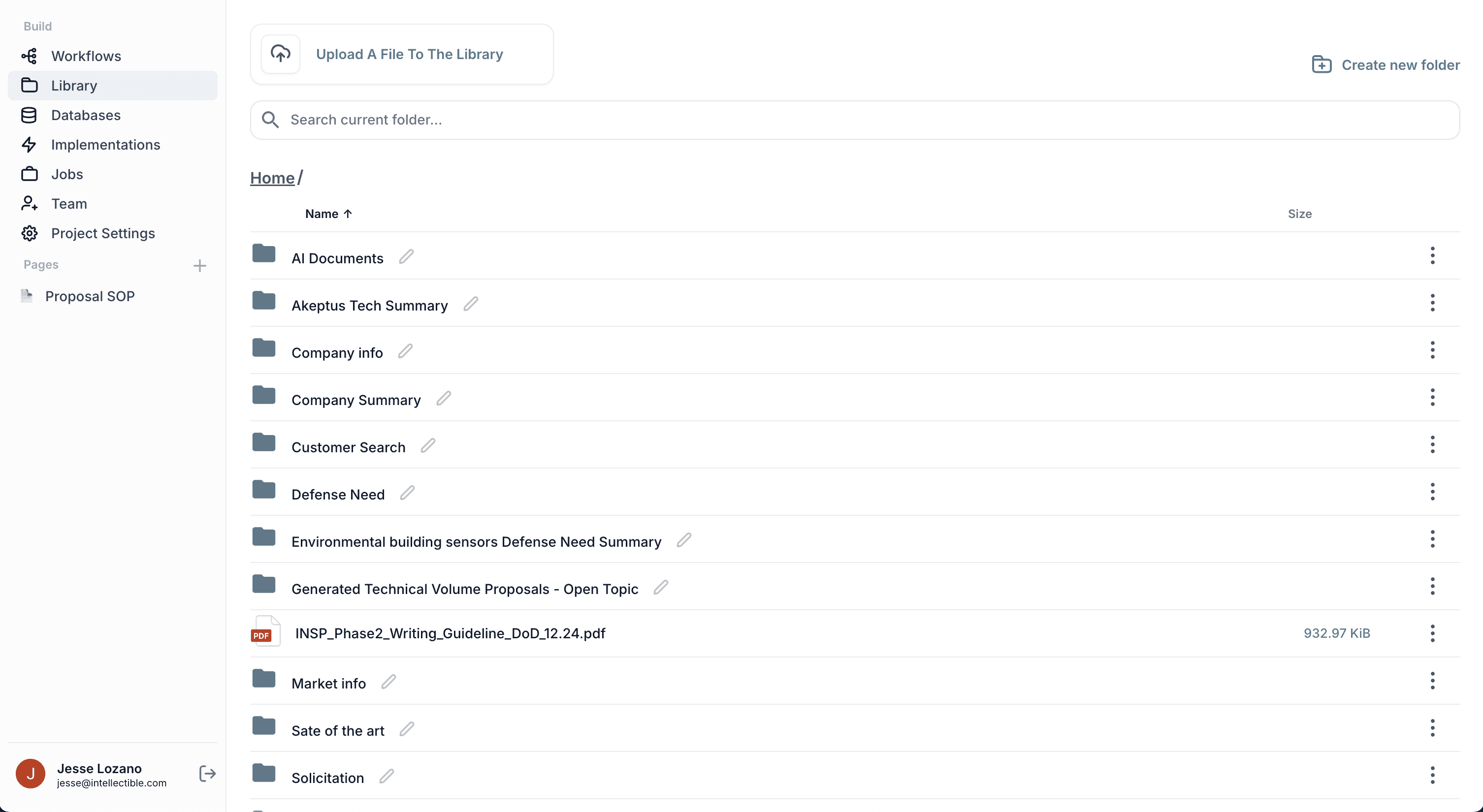
Give every workflow the sources and systems it needs.
Upload documents once. Parse, chunk, index, search, and reuse them across workflows, applications, and AI engines.
Then connect the workflow to the rest of the business — email, calendars, file systems, CRM, chat, APIs, webhooks, and MCP-compatible tools.
Work with PDFs, DOCX files, CSVs, webpages, spreadsheets, reports, contracts, and SOPs.
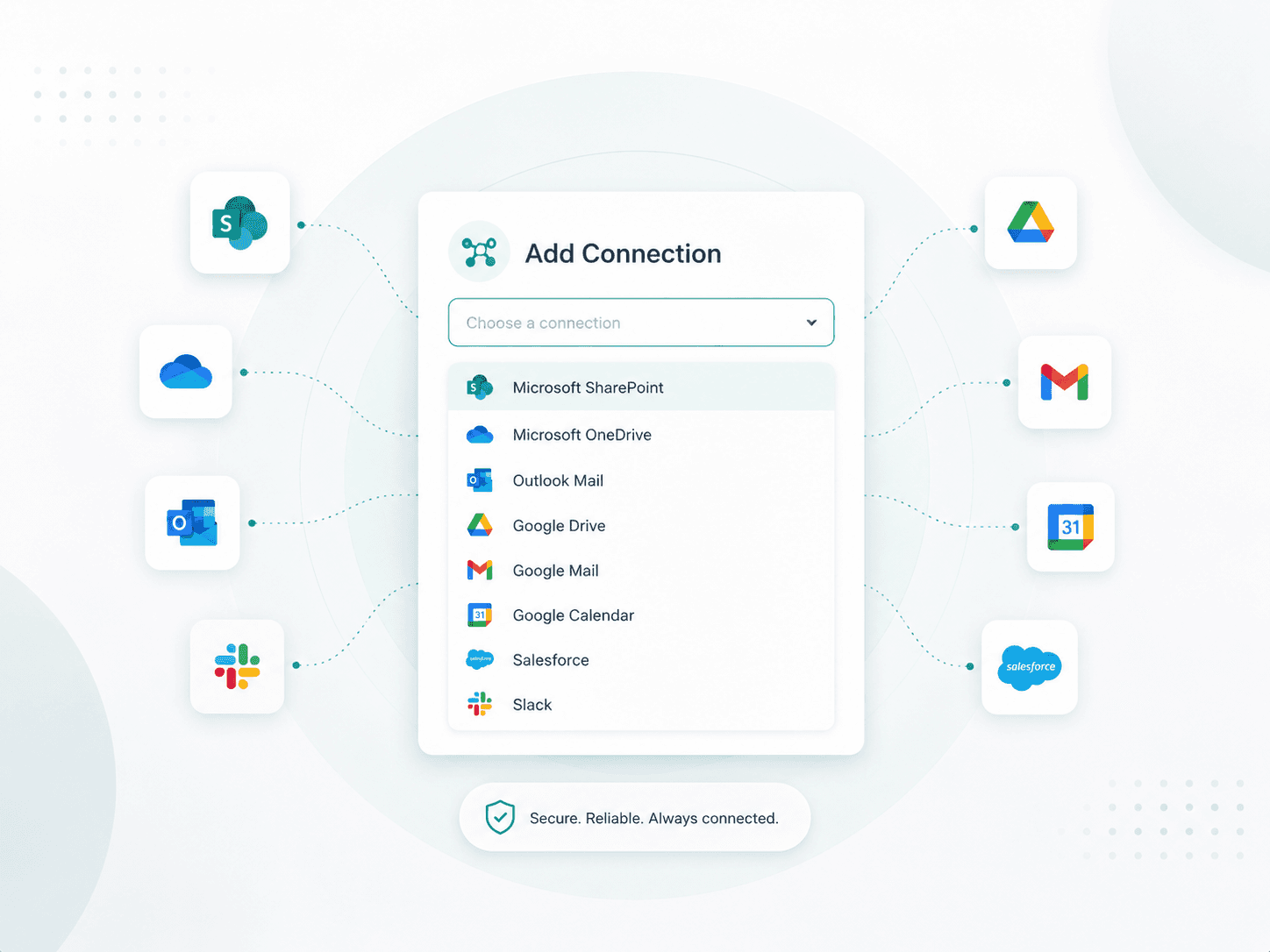
Connect Gmail, Outlook, Drive, Google Calendar, SharePoint, Slack, Salesforce, APIs, and webhooks.
Trigger workflows from external systems or call Intellectible workflows from your own apps.
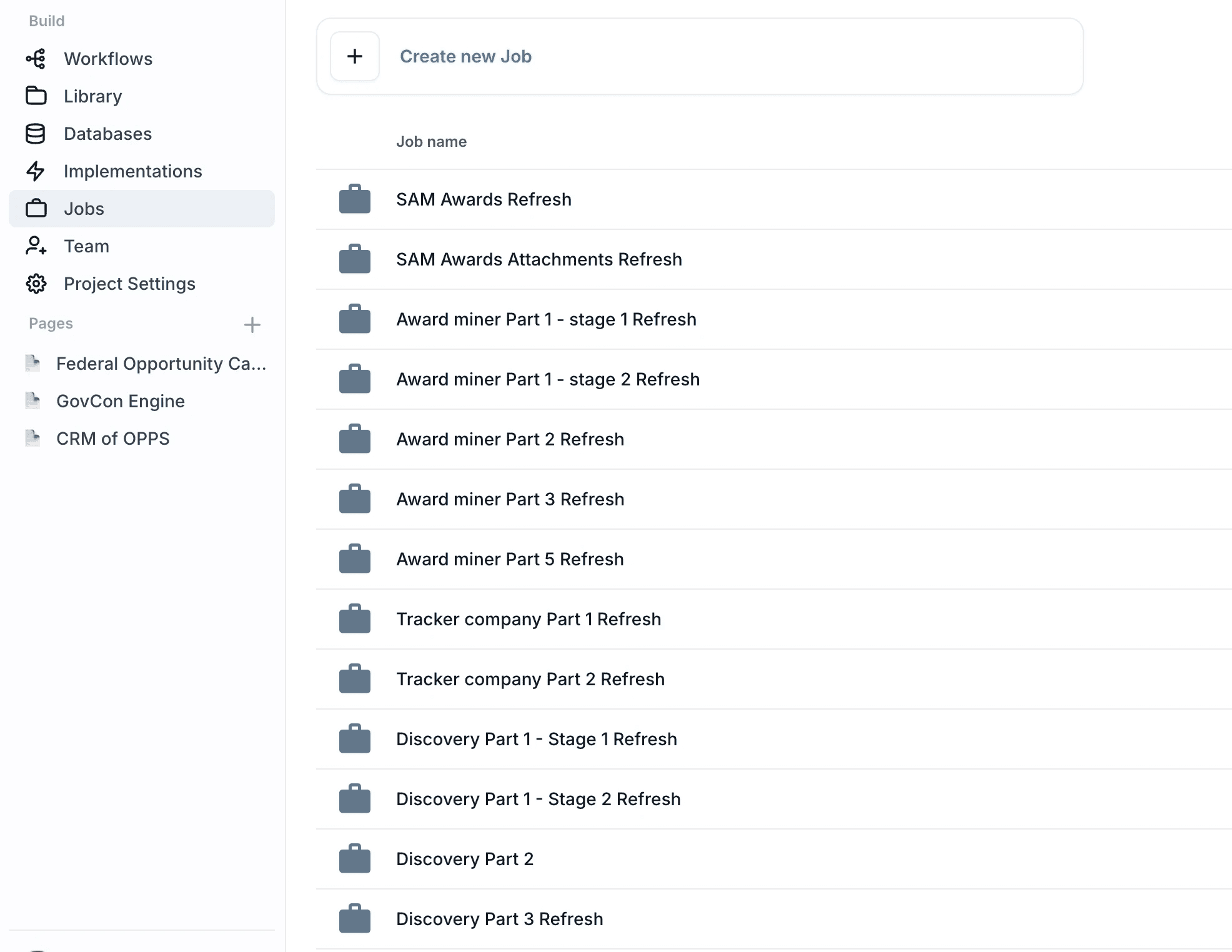
From prototype to production workflow.
A demo is not enough. Enterprise systems need jobs, schedules, batches, permissions, access control, reusable workspaces, and safe ways to expose tools to users.
Run workflows now, later, on a schedule, or across thousands of database records. Keep systems organized by project, assign team roles, and protect deployed workflow logic.
Use jobs for recurring reports, nightly enrichment, review queues, and batch processing.
Use projects to organize workflows, libraries, databases, AI research, resources, and deployments.
Use roles and permissions so owners, admins, and contributors have the right level of control.
Connect workflows to the systems your enterprise already uses.
Authenticate third-party accounts, assign them to projects, call external APIs, receive event data from outside tools, and expose workflows to your own systems.
Native integrations with Gmail, Outlook, Google Drive, Google Calendar, SharePoint, Slack, Salesforce, and other core business systems.
Flexible API and webhook connectivity through custom API Request nodes, Typeform webhooks, generic event sources, and tools like Tally, Airtable, Notion, Zapier, Make, and custom services.
Developer-ready workflow access with public APIs for workflow runs and Library operations, API-key authentication, and MCP nodes for tool calls, prompts, resources, and model-connected systems.
The building blocks for real business automation.
Intellectible gives teams the workflow primitives needed to model, automate, and scale complex business operations — from user input and control logic to AI, documents, data, integrations, web requests, batch runs, images, libraries, and custom code.
Inputs
Control Flow
Functions
Variables
State
Schemas
Documents
Tables
MCP
Databases
Vectors
AI Models
API Calls
Webhooks
Integrations
Queues
Jobs
Start with proven AI Engines. Expand into your business operating system.
Intellectible is a horizontal AI build platform with high-value engines for the workflows that matter most: revenue discovery, GovCon, proposals, pricing, knowledge, CRM coordination, and admin automation.
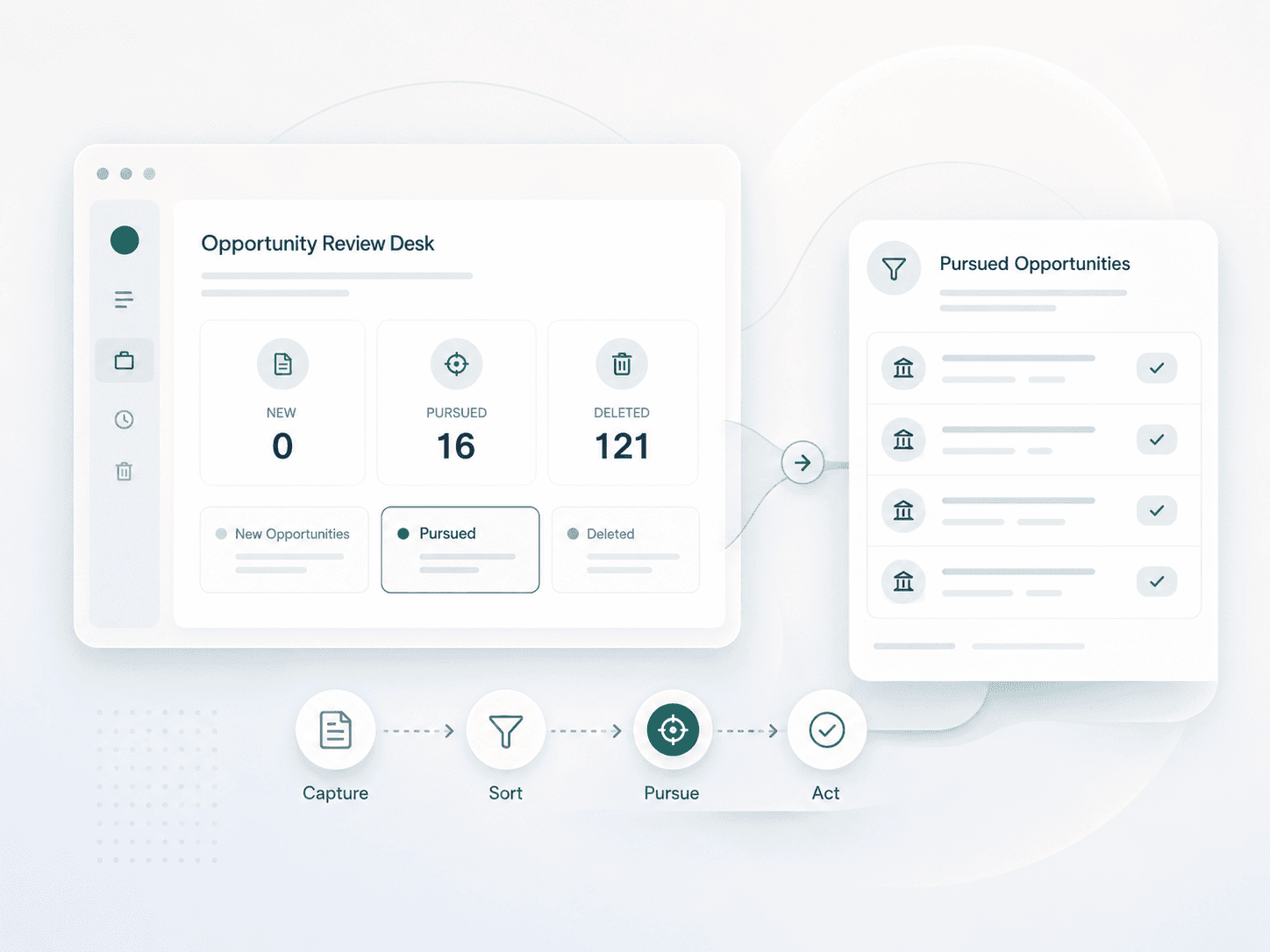
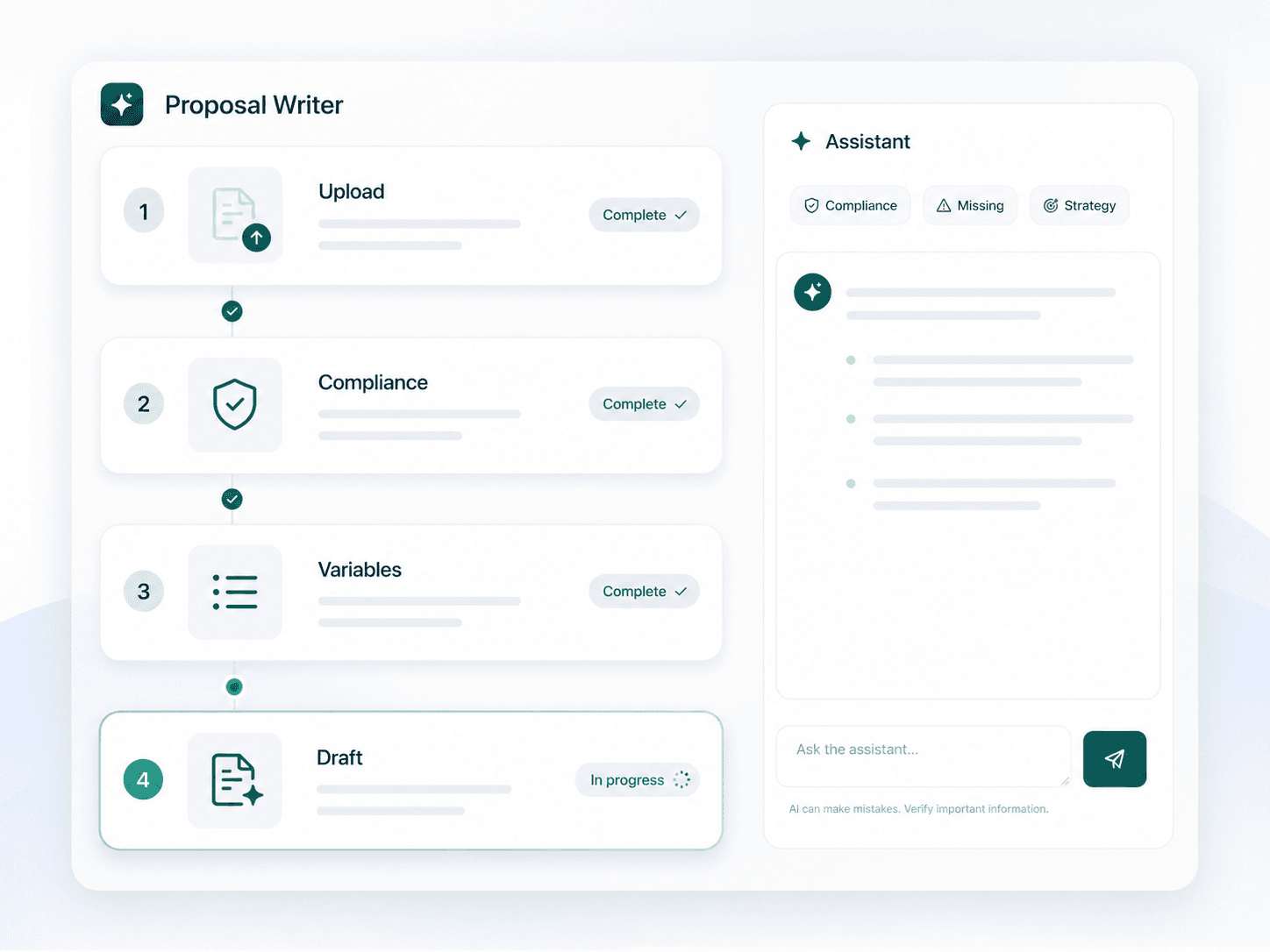
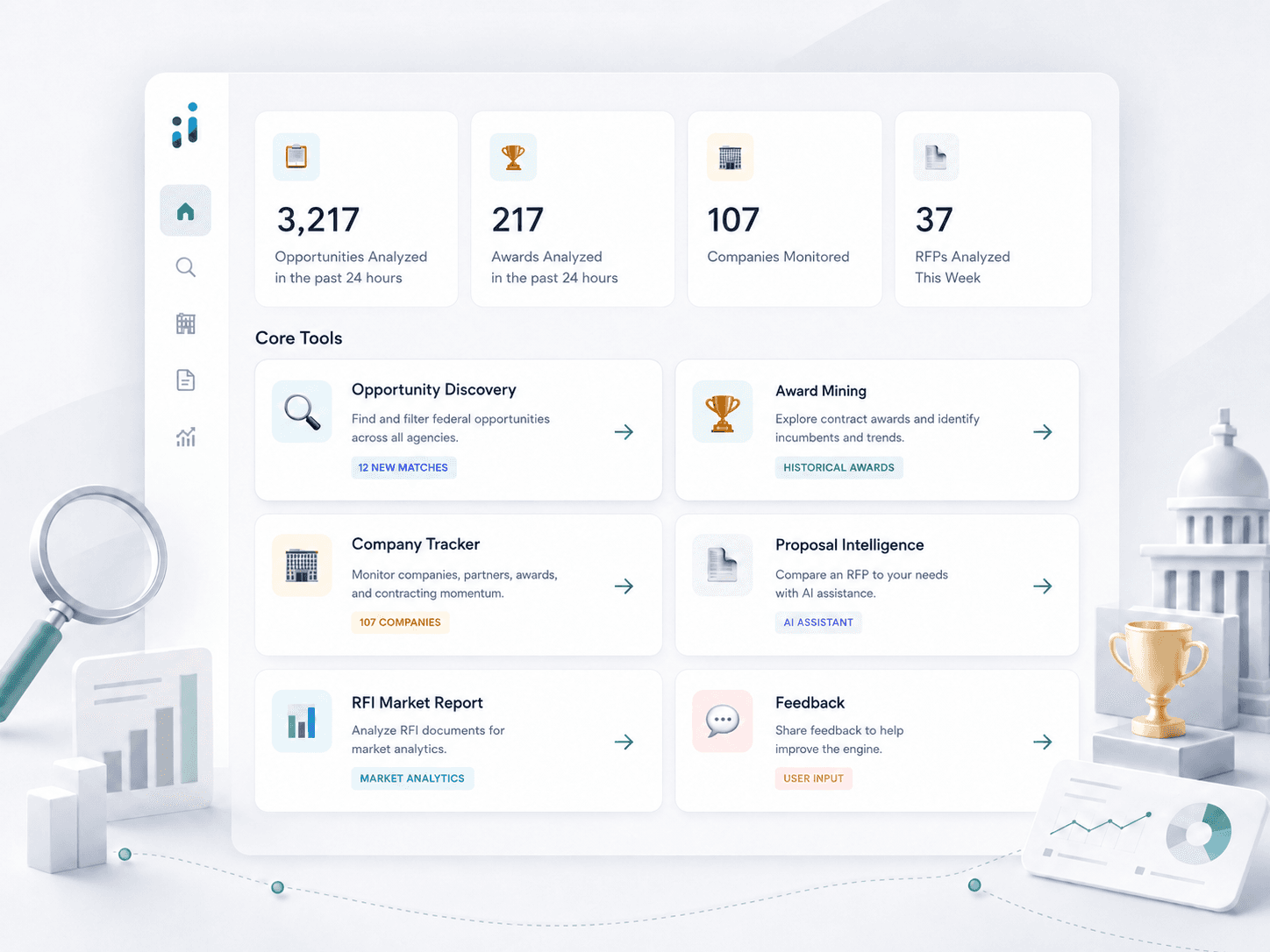
Build the system. Not just the workflow.
Intellectible gives enterprise teams one place to build AI-powered software from the ground up.