Integrations
Connect Intellectible to the systems your teams already use.
Use authenticated connections, webhooks, public APIs, and custom code nodes to bring AI workflows into your operating stack instead of leaving them isolated in a separate tool.
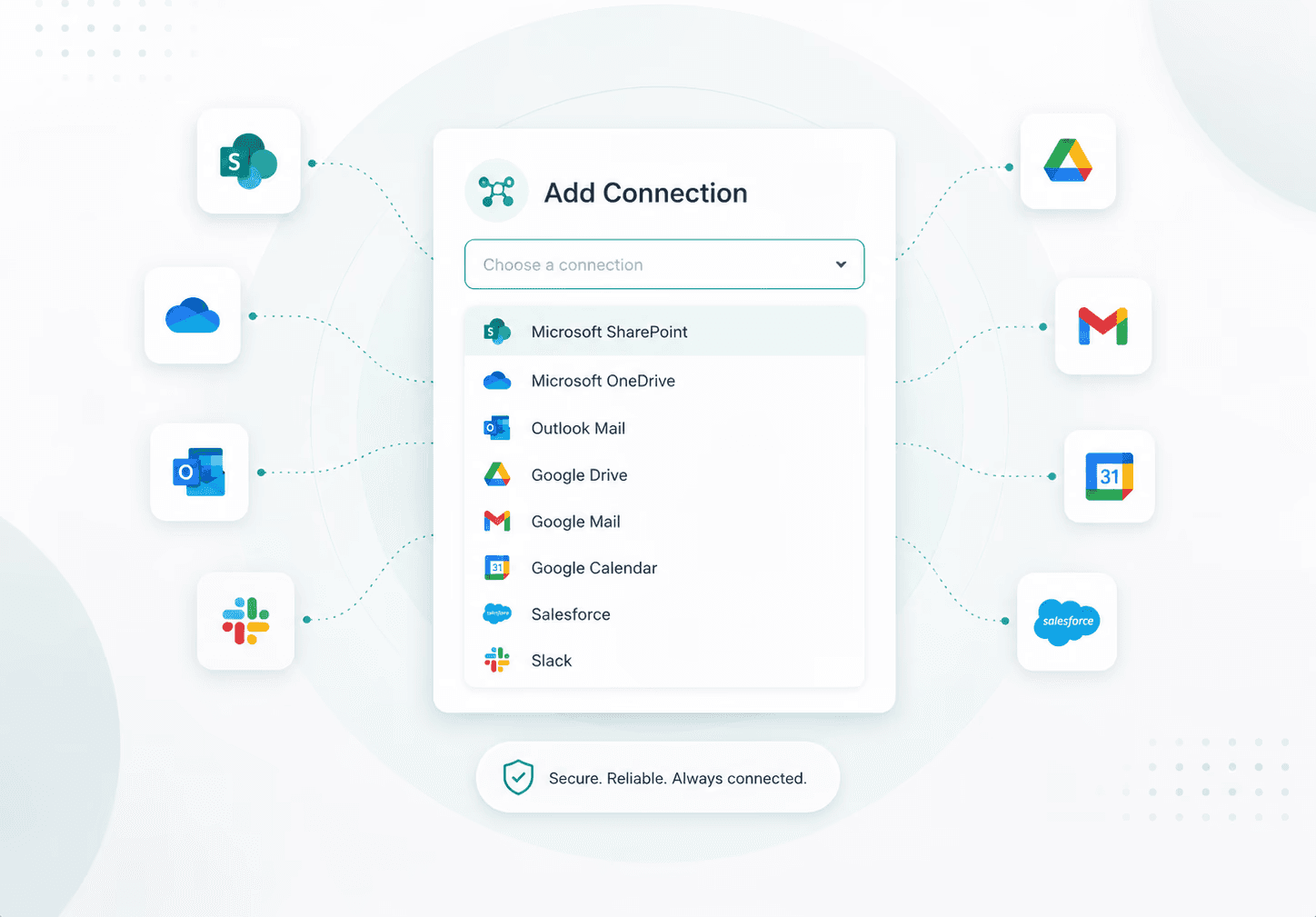
Automation has to move through the systems where work already happens.
Intellectible gives teams multiple integration paths, from authenticated app connections to event-driven webhooks and direct workflow API calls.
Authenticated connections
Create connections to supported third-party applications, authenticate accounts, assign them to projects, and use them inside workflows.
Webhooks
Let external services trigger workflows automatically when events happen, such as form submissions or new records.
Public API
Call workflows synchronously from another application and return JSON results. Upload, list, and download Library files through API endpoints.
Custom code
Use JavaScript or Python code nodes for specialized data transformation, custom API logic, and business rules beyond standard nodes.
MCP servers
Connect Intellectible workflows to MCP-compatible tools, data sources, and services so agents can use external context and actions through a standard interface.
Web & API actions
Pull live web context into workflows, read webpages, search or crawl sites, match URLs, and call external APIs when a workflow needs data beyond connected apps.
INTEGRATION PATTERNS
Choose the integration model that matches the work.
Different workflows need different ways to connect. Intellectible supports several launch paths.
Event-driven intake
Use Typeform or generic webhooks to start workflows when another service sends data. Generic webhooks use the X-Webhook-Token header.
Embedded workflow logic
Use the public API to run a workflow synchronously with input values and return output values to the calling application.
Library automation
Create a document record, upload bytes to a signed storage link, finalize the file, and later list or download Library files through API endpoints.
Custom business logic
Use code nodes to run JavaScript or Python with packages, handle complex transformations, and create specialized integration behavior.
Communication workflows
Connect email, calendar, Slack, or Microsoft environments where available to support internal workflows and handoffs.
Revenue workflows
Use Salesforce connections and workflow logic to enrich records, route opportunities, generate briefs, and coordinate next actions.