That patchwork breaks down fast. A missed eBuy notification means a competitor wins work you were qualified for. Inconsistent bid/no-bid criteria mean two capture managers can look at the same task order and reach opposite conclusions—costing revenue either way.
This guide covers what task order tracking software actually does, the features that separate a real solution from a glorified spreadsheet, and how to choose (or build) the right platform for your team.
Key Takeaways
- Centralize GSA MAS opportunities from eBuy and other sources in one dashboard
- Manual tracking (spreadsheets, email, portal-hopping) leads to missed deadlines and inconsistent qualification
- The best platforms pair AI-driven opportunity scoring with workflow automation to speed up Go/No-Go decisions
- Choose software based on integration depth and audit-trail capability, not just notice aggregation
What is a GSA MAS Task Order (Quick Context)
A GSA Multiple Award Schedule (MAS) contract, sometimes called a Federal Supply Schedule, is a long-term contract vehicle that lets federal, state, local, and tribal buyers purchase commercial products and services at pre-negotiated prices. Getting on a schedule doesn't guarantee revenue by itself. It just gets you in the door.
Task orders are the actual work. Per the FAR, a task order is an order for services placed against an established contract, issued for a specific, scoped requirement. Your MAS contract is the master agreement; each task order is a mini-contract underneath it, with its own scope, timeline, and pricing.
Ordering activities typically post these requirements through GSA eBuy, GSA's electronic RFQ system. Under FAR 8.402, agencies must either post on eBuy or contact enough schedule holders to reasonably ensure at least three quotes come in. Fewer than that requires a written justification.
Pricing types you'll track most often:
- Firm-Fixed-Price (FFP) — price stays fixed regardless of your actual costs; you carry the risk and the upside
- Time-and-Materials (T&M) — labor hours at fixed rates plus materials; rates already include overhead, G&A, and profit
- Labor-Hour (LH) — same labor-rate structure as T&M, but the government furnishes the materials

Knowing which pricing type applies changes what your tracking system needs to capture, from ceiling values to labor category breakdowns.
Why GSA MAS Contractors Struggle to Track Task Orders Manually
The Volume Problem
If you hold multiple schedules or SINs, opportunities arrive from everywhere at once:
- eBuy notices tied to specific SINs
- Agency-specific portals outside eBuy
- Email alerts that get buried in inboxes
- Word-of-mouth from account managers
No single portal aggregates all of it. Teams check five or six sources daily just to keep from missing a notice.
What Manual Tracking Actually Costs You
Spreadsheet tracking breaks down in the same places every time:
- Duplicated effort — two people chase the same notice without realizing it
- Inconsistent qualification — bid/no-bid calls shift depending on who reviews
- Missed deadlines — a notice sits in an inbox until the window closes

Deltek's 2025 Clarity Government Contracting Study, surveying nearly 900 contractors, found that 45% now report using AI tools in their pursuit process, up 10 points from the prior year. The study is not MAS-specific, but it shows where GovCon is moving: off spreadsheets and toward automated qualification.
The Compliance Gap Nobody Talks About
Pre-award tracking (finding and qualifying opportunities) usually lives in a different system than post-award execution (contract management, sales reporting, IFF payments).
GSA requires sellers to track sales by SIN and submit reporting data within 30 days of each reporting period. When bid decisions and compliance data sit in separate silos, you lose the audit trail from why you pursued a task order to how it performed.
That gap surfaces in audits. It also shows up when you try to learn which qualification criteria actually predict wins.
Core Features to Look for in Task Order Tracking Software
Not every "opportunity tracker" solves the real problem. Here's what actually matters:
- Centralized notice aggregation: Every eBuy notice and relevant task order feed lands in one dashboard, tagged by SIN, agency, and NAICS code—not scattered across five browser tabs
- AI-driven qualification and scoring: Evaluates each opportunity against past performance, capabilities, and strategic fit, then returns a fit rationale rather than a yes/no flag
- Automated Go/No-Go workflows: Logs who reviewed the opportunity, why, and what action followed so the audit trail builds itself
- Pipeline and pricing visibility: Capture, proposal, and pricing teams work from the same record instead of trading spreadsheets
- Integration with existing systems: Connects to your CRM (HubSpot, Salesforce), document stores (SharePoint, Google Drive), and compliance workflows without a rip-and-replace
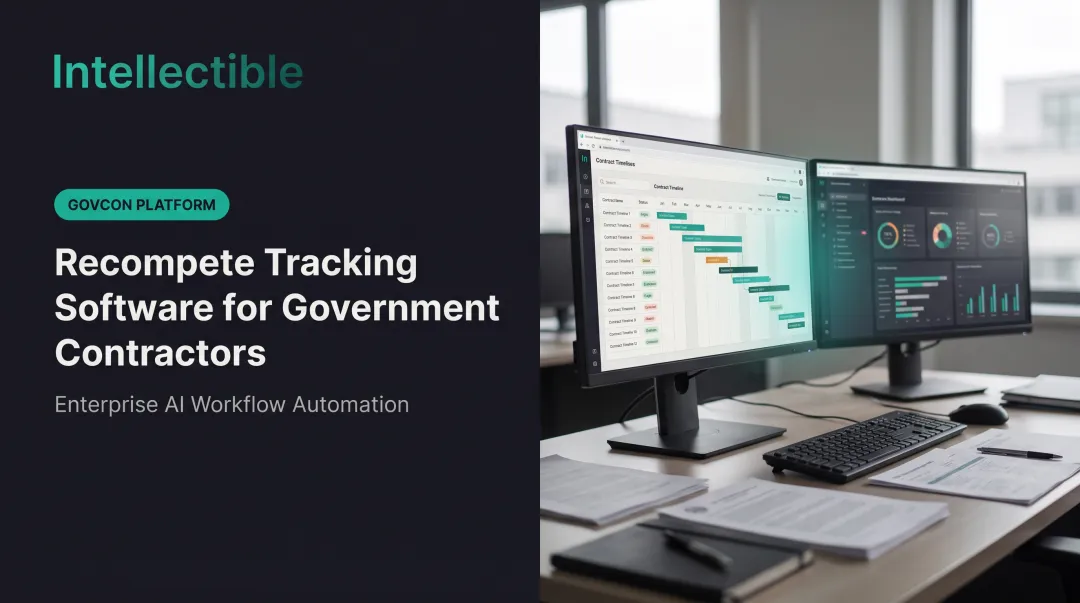
- Real-time alerts and deadline tracking: Color-coded priority indicators, "due in X days" flags, and auto-escalation when a response window is at risk
How Intellectible Helps GSA MAS Contractors Automate Task Order Tracking
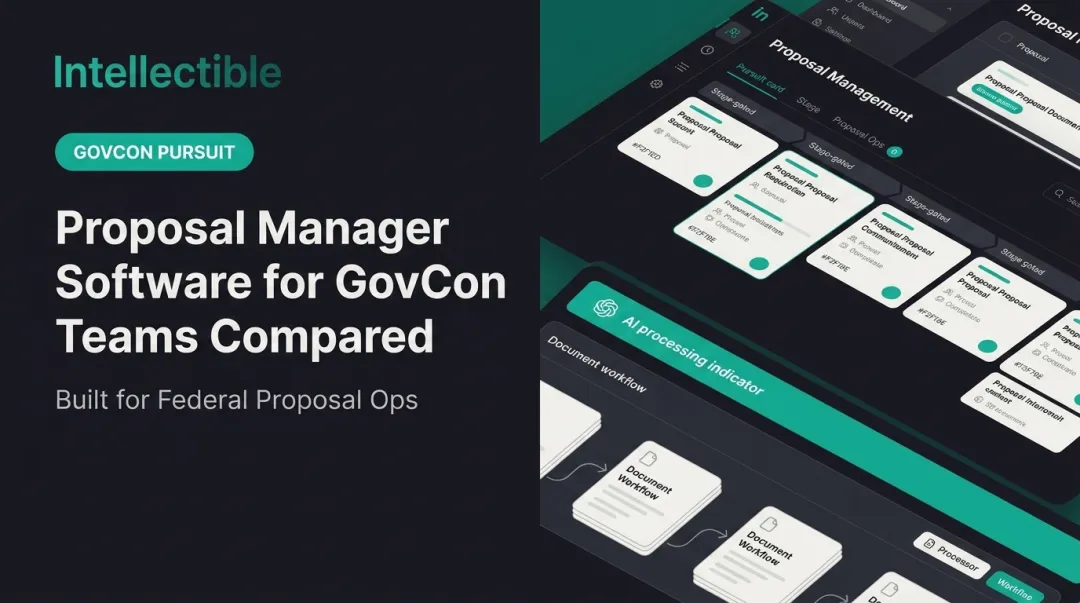
Intellectible's GovCon Engine takes the pursuit process out of scattered inboxes and puts it into a visual workflow builder with six connected stages:
- Opportunity Feeds — pulls in notices from government portals, market signals, and CRM data
- Market Research — adds context to each opportunity record
- Enrichment — structures the raw data for consistent evaluation
- AI Scoring — evaluates fit against your capabilities, past performance, and configurable rules
- Human Review — routes scored opportunities to your team for validation before anything moves forward
- Outreach and CRM Updates — turns approved opportunities into action and syncs the result back to your CRM

One Workspace, Not Five Systems
Once an opportunity clears review, work moves into a single project workspace—workflows, document library, PostgreSQL database, and pricing logic together. Task order intake, files, pricing inputs, and approvals stay in one place instead of email and spreadsheets.
The pricing workflow runs through five gates: Intake, Extract, Review Assumptions, Build Cost Model, then Publish and Approve. Teams report a 90% reduction in time to final pricing, with a full audit trail at every approval gate.
Results Teams Are Already Seeing
Intellectible reports 95%+ time saved on opportunity search and Go/No-Go decisions, and a 150%+ increase in actionable pipeline.

Customer outcomes include:
- Oceus: CEO Jeff Harman reported more than double the qualified opportunities reviewed—about seven to eight per month
- HHS: Business-development staff moved off tedious RFP admin and back onto selling
GSA MAS contractors can raise task order volume without adding headcount to the pursuit team.
Best Practices for Implementing Task Order Tracking Software
Rolling out task order tracking software without a plan just digitizes your existing chaos. Avoid that with these steps:
- Map the workflow: Identify where the real bottleneck sits—opportunity search, pricing turnaround, or compliance documentation—before automating anything.
- Bring teams in early: Include BD, capture, proposal, and pricing. A tool that only serves BD but ignores pricing workflows will get abandoned within a quarter.
- Set qualification criteria first: AI scoring is only as good as the rubric behind it. Vague criteria produce vague recommendations.
- Review win/loss data: Feed actual outcomes back into your scoring model so it improves instead of staying static.
Frequently Asked Questions
What is the difference between a purchase order and a task order?
A purchase order is a one-time commercial buy for goods or services. A task order is issued under an existing IDIQ or GSA MAS contract for specific, scoped work within terms already negotiated.
How do teams keep up with task order volume across vehicles?
Each task order is a scoped mini-contract under a master vehicle, and holders of multiple IDIQs and a GSA MAS see them post continuously with short response windows. The constraint is triage: deciding quickly which orders fit, since the turnaround rarely allows a full capture cycle per order.
How do GSA MAS contractors find task order opportunities?
Most opportunities post through GSA eBuy, though some come through agency-specific portals or direct outreach. Centralized tracking platforms pull these sources into one feed so you're not checking five places daily.
Can task order tracking software integrate with existing CRM systems?
Yes. Most modern platforms integrate with systems like HubSpot and Salesforce, syncing opportunity data automatically instead of requiring duplicate manual entry.
How does AI improve task order qualification decisions?
AI scores opportunities against your past performance, capabilities, and configured fit rules, then surfaces a rationale and risk signals. That gives your team a documented starting point instead of a blank spreadsheet.
What is the biggest risk of manually tracking GSA MAS task orders?
Missed deadlines and inconsistent bid/no-bid decisions. Without a shared rubric and centralized deadline tracking, two reviewers can reach different conclusions on the same opportunity, and notices slip through the cracks entirely.