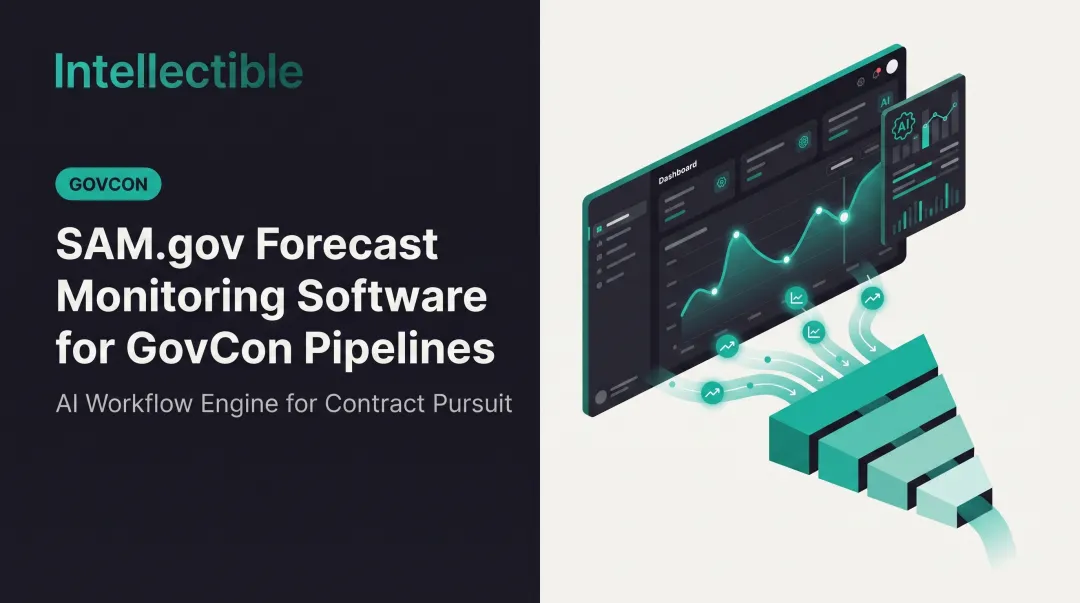
This guide breaks down what SAM.gov integration actually means, why manual monitoring breaks down as your pipeline grows, and how automation turns opportunity capture into a repeatable revenue process. You'll learn how connecting SAM.gov data to your business systems leads to faster, sharper Go/No-Go decisions.
Key Takeaways
- SAM.gov registration and search are free, but manual opportunity monitoring drains hours and invites costly errors
- The public SAM.gov API delivers raw data: structuring, filtering, and workflow automation make it actionable
- Automated capture workflows cut opportunity search and Go/No-Go time by 95%+
- Contractors using automated capture management report 150%+ gains in qualified, actionable pipeline
What Is SAM.gov and Why It Matters for Government Contractors
SAM stands for System for Award Management: the official federal portal where contractors register their business, search live opportunities, and check entity and compliance data. Under FAR 2.101, it's defined as "the primary Government repository for prospective Federal awardee and Federal awardee information."
SAM.gov replaced legacy systems, including FedBizOpps and the old Central Contractor Registration (CCR) database, consolidating everything into one platform. Registering and searching on SAM.gov costs nothing: there is no government fee to obtain a Unique Entity ID (UEI), register, or maintain your record. That matters because an incomplete or inactive record can block you from bidding, and manual monitoring of notices slows pursuit teams down.
The database handles four core functions:
- Entity registration: your business identity, UEI, and certifications
- Contract opportunity listings: pre-solicitation, solicitation, award, and sole-source notices
- Exclusions: a list of parties barred from federal contracting
- Award data: historical contract award information
Does SAM.gov Have an API?
Yes. SAM.gov offers public APIs, including the Get Opportunities API and the Entity Management API, both free with a generated API key. The Get Opportunities API updates active notices daily and archived notices weekly, but it only returns the latest version of a notice. Older versions require a separate SAM Data Services route.
To get a SAM API key:
- Log into your SAM.gov account
- Navigate to Account Details
- Find the Public API Key field and request a key
- View it immediately using the one-time password sent to your email (it disappears once you navigate away)
Updating and Maintaining Your SAM Registration
Registrations must be renewed every 365 days, and activation after any update can take up to 10 business days.
Under FAR 52.204-7, your SAM record must show as "Active" at both offer submission and contract award. An inactive record does not meet that bar, even if you are mid-renewal. FAR 52.204-13 also requires you to keep registration current through final payment on any awarded contract.
Why Manual SAM.gov Monitoring Fails Government Contractors at Scale
Federal solicitations are dense. RFPs run dozens of pages, amendments arrive without warning, and set-aside codes or PSC classifications change from notice to notice. Tracking all of this by hand, across multiple agencies, is where capture teams start dropping opportunities.
Registration lapses and missed amendments are common, avoidable causes of disqualification. A lapsed SAM registration can jeopardize a pending award or an active contract entirely, according to guidance from APEX Accelerator Northern California. Under FAR 14.405, failing to acknowledge an amendment is only excused in narrow cases: when the bid clearly shows receipt, or the change has negligible effect on price or delivery.
Keyword-only search compounds the problem. SAM.gov's native search functions well for basic queries, but it doesn't score fit, flag risk, or route opportunities to the right person on your team. Without automation, contractors risk:
- Missing notices that use unfamiliar terminology for familiar work
- Discovering amendments after a deadline has passed
- Duplicating manual effort across BD staff reviewing the same searches

What SAM.gov Integration Actually Means for Your Business Systems
Integration means connecting the SAM API's opportunity and entity data directly into your CRM, capture management system, or internal workflow, instead of manually downloading spreadsheets or refreshing a browser tab.
Three core components make this work:
- Automated opportunity ingestion: new solicitations flow in without anyone running a search
- Data normalization: NAICS, PSC, and other filters standardize incoming records into a consistent format
- Workflow routing: qualified opportunities move into a decision pipeline automatically
Auto-Scoring Against Your Capabilities Profile
Integrated systems can compare incoming opportunities against your capabilities profile, matching target agencies, geographies, deal size, contract vehicles, and disqualifiers. Semantic fit analysis goes beyond keyword matching, so the system can downscore opportunities that look attractive on the surface but don't actually fit your business.
Once opportunities are scored, centralizing them in one workspace eliminates version chaos. Everyone works from the same record, and every action creates an audit trail for compliance review.

Important distinction: Integration doesn't replace your SAM.gov registration or submission steps. It automates everything that happens between "notice published" and "proposal submitted."
How Intellectible Automates SAM.gov Opportunity Capture and Go/No-Go Decisions
Intellectible's visual workflow builder connects directly to SAM.gov's API as a data source, pulling new solicitations into your workspace automatically. No manual searches required. From there, workflows apply configurable capture rules based on agency, NAICS, PSC, and other criteria, transforming each notice into a structured capture record containing:
- Agency and office details
- NAICS and PSC codes
- Timing and scope
- Fit rationale and risk signals
- Recommended next action Rather than relying on a fixed scoring formula, the GovCon Engine evaluates opportunities against your organization's encoded capture logic. That includes target agencies, deal-size thresholds, geographic preferences, certifications, and disqualifiers, so the system separates aligned pursuits from noise. AI scoring does not operate alone. The workflow follows a clear sequence before any outreach or CRM update happens:
- Opportunity feeds
- Enrichment
- AI scoring
- Human review As John Grady, HHS Corporate Director of Business Development, put it:
"Intellectible is taking the tedious, monotonous hours of RFP efforts out of human hands. This allows us to do what we should be doing, analyzing and selling." Intellectible's platform-level performance data shows 95%+ time savings on opportunity search and Go/No-Go decisions, alongside a 150%+ increase in actionable pipeline, achieved without adding headcount. Oceus, one client using the GovCon Engine, reported more than double the qualified opportunities reviewed each month, with roughly seven to eight opportunities clearing its qualification bar monthly.

Building a Repeatable Capture Workflow with SAM.gov Data
A durable capture process typically follows five stages:
- Automated pull: Ingest new SAM.gov notices without manual searching
- Normalization: Standardize NAICS, PSC, and agency data into consistent fields
- Fit scoring: Score opportunities against your capabilities profile and capture rules
- Team assignment: Route qualified pursuits to the right capture lead or BD staffer
- Tracking through proposal: Push status updates through to pricing and proposal teams
Structured databases (records, tables, CSV, or JSON exports) turn raw SAM.gov listings into queryable pipeline data. Instead of a proposal manager digging through email threads for the latest amendment, the data sits in one place—searchable and shareable across pricing, capture, and leadership.

Most teams configure this workflow with a builder layer rather than a fixed template, because capture rules and org structures differ from contractor to contractor.
Common SAM.gov Mistakes That Undermine Contractor Success
The most frequent, avoidable losses come from basic administrative gaps:
- Expired registrations: missing the 365-day renewal window and losing "Active" status during an active pursuit
- Incomplete NAICS codes: limiting which opportunities appear in your search results
- Missed amendment tracking: submitting against an outdated version of a solicitation
Manual checklists catch some of this, but they depend entirely on someone remembering to check. Automated alerts and integrated tracking reduce this risk by flagging deadlines and compliance obligations before they become disqualifying.
Intellectible's Pursuit Intake and Compliance Analysis processes solicitations and addenda to extract key dates and submission rules, then flags compliance risks before a proposal kickoff begins.
Frequently Asked Questions
Does SAM cost money?
No. Registering and searching on SAM.gov is completely free. You only incur costs if you hire a third-party consultant or tool to manage the process.
Does SAM have an API?
Yes. SAM.gov provides public APIs, including Entity Management and Get Opportunities, for developers and system integrations.
Can I get the SAM API for free?
Yes. The SAM.gov API is free once you generate an API key, though public users are subject to rate limits.
How do I get a SAM API key?
Log into SAM.gov, open Account Details in your workspace, and generate a key under the Public API Key field. You'll confirm with a one-time password sent to your email.
How can I update my SAM registration?
Log into SAM.gov, open your entity record, update fields like NAICS codes or banking information, then recertify your representations and certifications.
What is the SAM database?
SAM is the centralized federal repository for entity registration, contract opportunities, and award/exclusion data. All government agencies use it for procurement.