Salesforce's 2024 State of Sales reports that reps spend 70% of their time on non-selling tasks, including administration and meeting prep. Scattered account research adds to that load.
This guide shows how to build a shared library that turns raw events into validated, prioritized plays instead of another alert feed.
Key Takeaways
- Every signal record answers four questions: what happened, why it matters, how reliable it is, and what to do next.
- A small set of signals with owners and actions beats a large unstructured feed.
- Run a loop: identify, document, connect to workflow, measure, retire.
What Is a Sales Signal Library and Why Does It Matter?
A signal library is a set of documented reasons an account could need your service, not a menu of every event a tool can detect. Organize it into people, operations, technology, growth and capital, competitive and procurement, and relationship history. Retain only signals tied to the market and offer.
It differs from the systems around it:
- CRM: Salesforce describes CRM as managing interactions with current and potential customers. It records activity but doesn't say which outside events should trigger action.
- Content library: It stores approved assets. The signal library decides when and why to use them.
- Intent feed: It surfaces activity. Forrester classes intent-provider data as one "detected" signal source. The library adds business rules, qualification standards, and next steps.
The payoff is practical:
- Faster account research
- More relevant outreach
- Consistent execution across reps
- Less reliance on any one seller's memory
Relevance matters to buyers too. Gartner's 2025 survey of 632 B2B buyers found 73% actively avoid suppliers that send irrelevant outreach. A library that forces a "why now" before every touch protects against exactly that.
One caution: no study cleanly measures the research hours a signal library saves. Baseline your own team's numbers before promising a figure.
Design the Signal Library Around a Repeatable Schema
Start with the signal record, not the tool
Give each signal a repeatable record: definition, target segment, original source, legal-entity matching rule, event date, publication lag, freshness limit, evidence standard, owner, and disqualifiers. Record the observed event separately from the inferred business need and proposed next action.
Compare a raw event with a qualified signal:
Raw event: Company posted several related jobs.
Qualified signal: Hiring Surge: Field Service Technicians (Mid-Market)
- Seven open technician roles across three regions, confirmed on the company careers page, posted within 14 days
- Fit: matches ICP. Confidence: medium-high
- Owner: Account Executive
- Action: email the VP of Operations about scaling dispatch capacity, and log a task in the CRM
The second version carries context, evidence, timing, and a next step.
Define the required fields
Keep the minimum small enough that teams will maintain it:
- Signal name and plain-language definition
- Trigger event, source, evidence link, timestamp, and freshness period
- Account characteristics, personas, buying stage, and product fit
- Confidence level, owner, next action, channel, and CRM destination
- A "do not act when" field covering exclusions, weak evidence, or conditions that block automated outreach
Add relevance, confidence, and decay rules
An event becomes a qualified signal only when it has evidence, account fit, and a plausible link to a current business priority.
Signals also age. A funding announcement may stay useful for weeks, while a spike in website visits goes cold in days. Set expiration or review rules by event type.
Decay windows vary by signal type, so test and tune your own. Validity's 2024 CRM survey found 48% of administrators saw customer-data decay accelerating, so build review dates into each signal type.

Map signals to segments and stages
Tag each record by segment, persona, industry, offer, stage, and motion so reps see only what applies to them. Examples:
- New-logo prospecting: leadership change, hiring surge
- Expansion: new location, product usage jump
- Renewal risk: champion departure, drop in engagement
- Government pursuit: pre-solicitation or award notices
Standardize naming and documentation
Name signals as event + implication + segment, for example "Leadership Change: New COO, Mid-Market Logistics."
Document each entry with:
- Owner and review date
- Source and assumptions
- Approved messaging
- Change history so the library stays auditable
Identify, Source, and Prioritize the Signals Worth Tracking
Audit your process first
Interview sellers, managers, marketing, customer success, and operations. Ask which events preceded good conversations, opportunities, expansions, or churn.
Then review recent wins, losses, and stalled deals for recurring triggers. Pick signals because they match your history, not because a vendor happens to sell them.
Build a balanced set of categories
- Organizational: hiring, leadership changes, funding, acquisitions, new locations
- Behavioral: repeat site visits, event attendance, usage changes, replies to past outreach
- Market and procurement: public filings, contract notices, permits
- Relationship and lifecycle: champion moves, renewal windows
Treat each as a hypothesis. Forrester frames signals as leading indicators, but hiring or funding events aren't guaranteed to lift conversion. Your pilot has to show it.
Validate the source
Name where each signal comes from: CRM, marketing automation, web analytics, public records, procurement portals, or partner data. Observable public sources include SEC Form 8-K filings, which cover officer changes and material agreements, and SAM.gov opportunity notices. Require a link, timestamp, or evidence excerpt so a seller can verify before contacting anyone.
Score transparently
Rate candidates on fit, intent, timing, reliability, and actionability. Define the scale internally rather than borrowing a threshold. Then sort every signal into one of three states:
- Monitor: low confidence, no notification
- Review: a human checks the evidence
- Act: outreach is justified
Start with a minimum viable library
Choose five to ten signals tied to your highest-value motion. Test whether reps can act without extra research. Expand only where the pilot shows a gap, and retire signals that are noisy, duplicated, or rarely acted on.
Turn Each Signal Into an Actionable Sales Play
Connect the signal to a "why now"
State the implication in seller language: what changed, why it might matter, and why now beats later. Require the rep to confirm the signal and never imply knowledge the team can't verify.
Build a play card
For each priority signal, specify:
- Target account or persona, owner, and response window
- Channel, message angle, and call to action
- The CRM activity to create
- Approved content, discovery questions, and objection guidance
- Disqualifying conditions
Map the workflow
Sequence the steps:
- Detect and enrich the signal
- Validate and score it
- Assign and notify the owner
- Reach out, log in CRM, and capture the outcome

Put human review where signals are ambiguous, data is sensitive, the account is strategic, or outreach carries compliance risk.
On compliance, the FTC states there is no B2B exception to CAN-SPAM, so email plays need accurate headers, an opt-out, and prompt honoring of opt-outs. Calls and texts carry TCPA consent rules. Have counsel review the plays.
Put it where sellers work
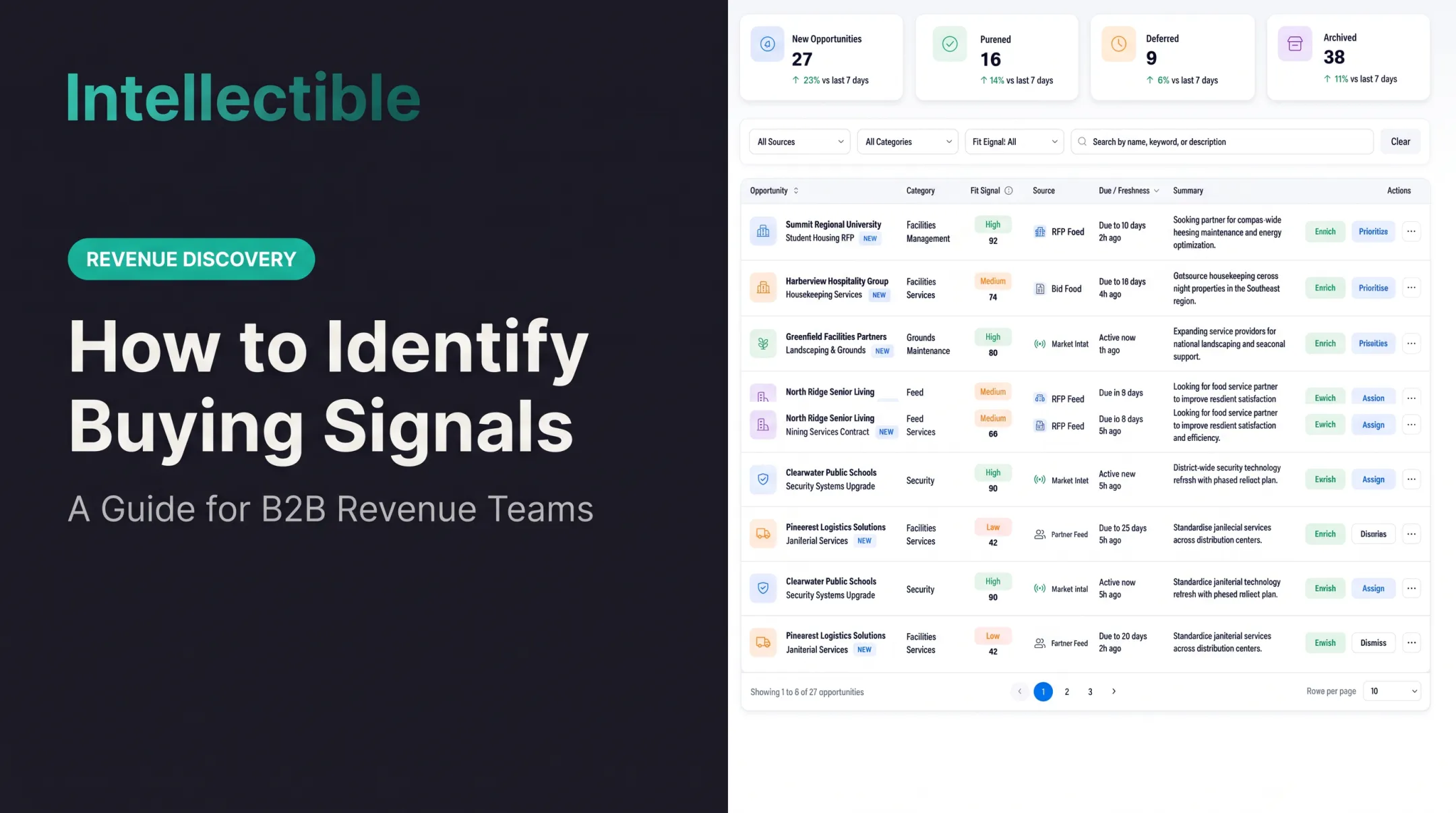
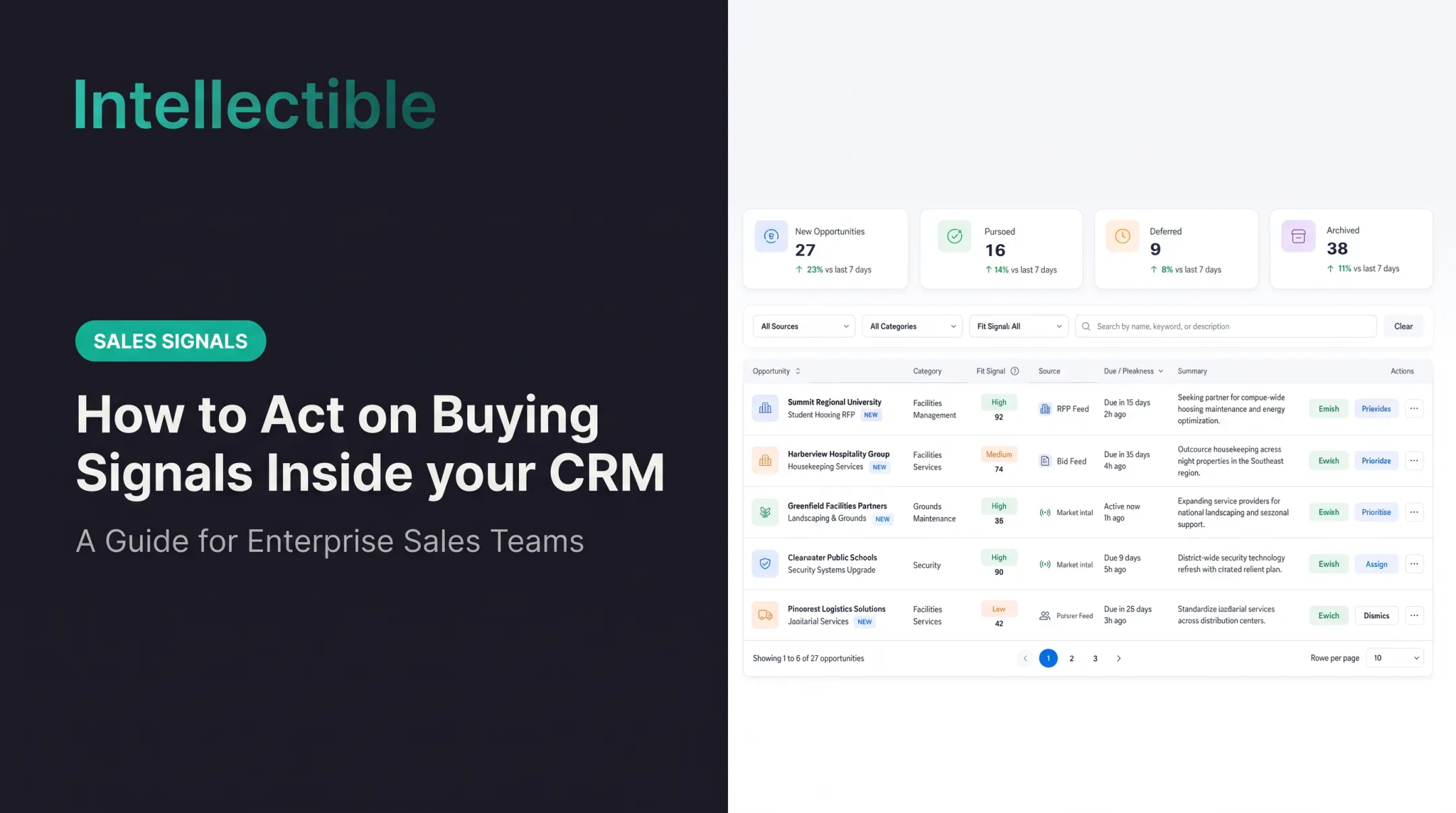
Deliver signals in the CRM, sales workspace, or team chat. Each alert should show:
- Evidence and signal age
- Confidence and account fit
- Prior activity and next step
How an operating platform can help
Intellectible's visual workflow builder is one way to wire this together. Nodes connect data sources, APIs, documents, business rules, human review, PostgreSQL databases, and seller-facing interfaces.
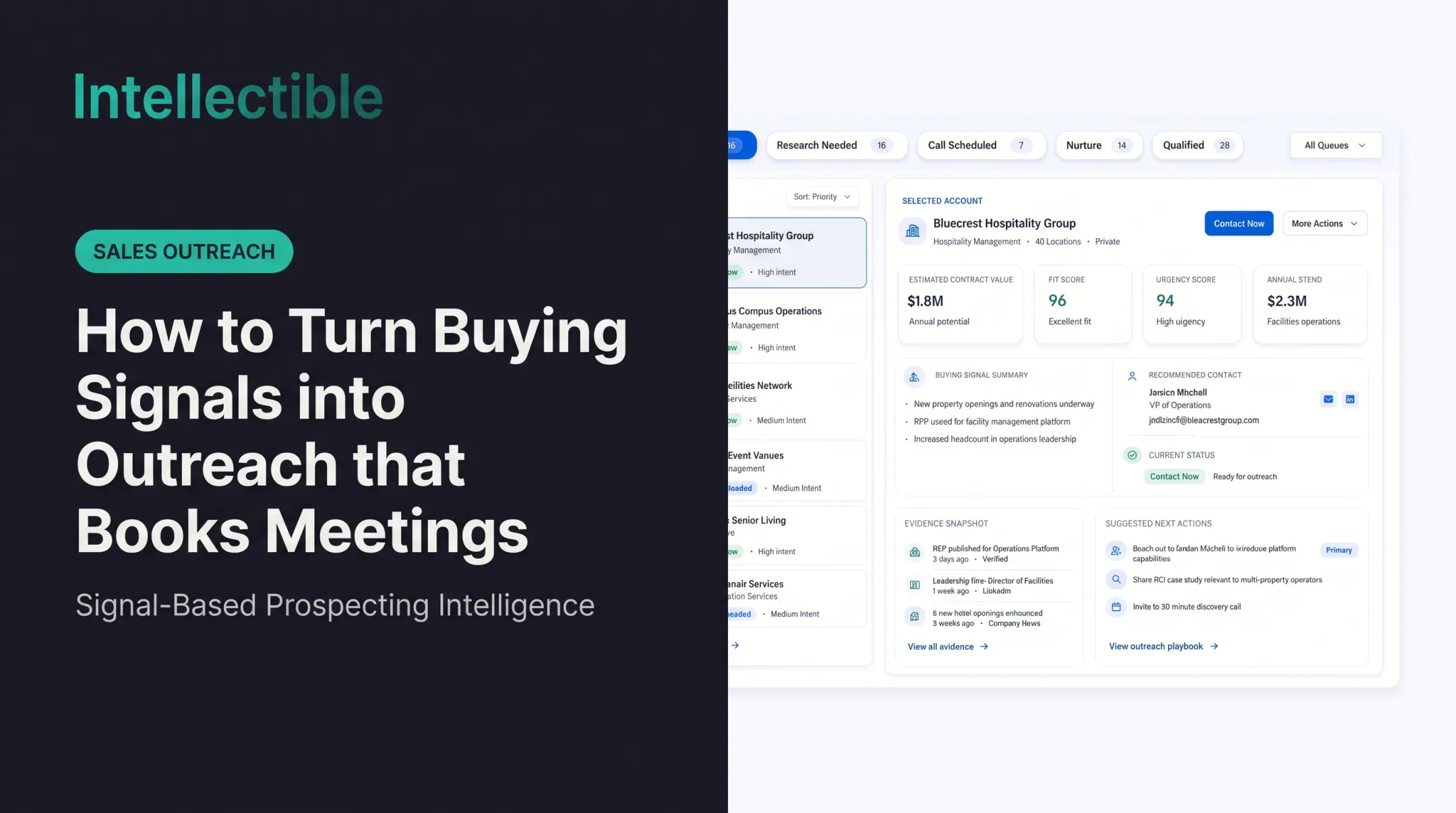
Its Revenue Discovery engine applies team-defined signal rules to accounts, queues those that hold up with evidence attached, and uses human approval gates before outreach or CRM updates. A typical path runs Detect, Gate, Promote, Draft, Approve, Call, then Qualified.
Documented examples include a review-pain signal across three locations that produces quotes, a drafted brief, and a recommended contact. Treat this as a configurable operating system for detection, review, routing, and follow-up, not a packaged signal-library product.
Close the loop
Record each outcome so you can improve the library:
- Was the signal accurate?
- Did the seller act, and what response came back?
- Did the account advance or get disqualified?
Feed those results into definitions, scoring, messaging, and source choices.
Govern, Launch, and Improve the Library
Assign ownership and controls
Give each signal three owners:
- Business owner: definition and usefulness
- Data owner: source quality
- Operations owner: workflow and access
Also put controls in place:
- Permissions and approvals
- Version history and review dates
- Privacy rules and retirement criteria
Sensitive contact data needs extra review. Validity's survey found 46% of CRM administrators cited missing data-governance policies as an issue.
Launch with a pilot
Train a small group to:
- Interpret each signal and check the evidence
- Use the play card and personalize outreach
- Log the outcome
Open a feedback channel. Review early examples with managers to catch unclear definitions, alert overload, or missing context before you scale.

Measure adoption, quality, and impact
Track:
- Usage by signal and alert-to-action rate
- Seller feedback and false-positive rate
- Response, meeting, and opportunity progression
- Research time per account
Set a baseline first. No authoritative cross-industry benchmark exists for adoption or false-positive rates, so avoid borrowed targets.
Review monthly:
- Promote what works
- Rewrite ambiguous entries
- Fix weak sources
- Retire the rest
Conclusion: Turn Signals Into a Shared Revenue Operating System
A signal library earns its place only when trustworthy evidence connects to a clear action, a named owner, and a feedback loop.
Start small:
- Pick one sales motion
- Document five to ten signals
- Build a play card for each
- Pilot the workflow
- Expand based on results rather than volume
Frequently Asked Questions
What makes a signal library useful?
A signal library is a set of documented reasons an account could need your service, not a menu of every event a tool can detect. Organize it into people, operations, technology, growth and capital, competitive and procurement, and relationship history. Retain only signals tied to the market and offer.
Which fields should every signal have?
Give each signal a repeatable record: definition, target segment, original source, legal-entity matching rule, event date, publication lag, freshness limit, evidence standard, owner, and disqualifiers. Record the observed event separately from the inferred business need and proposed next action.
How should the source set be chosen?
Choose sources that fit the purchase. A staffing team might inspect relevant awards and hiring patterns; healthcare services may depend on provider ownership and facility changes; logistics may depend on warehouses and operating expansion. A signal that works for software buying cannot be assumed to work for every services market.
How should a signal be tested before rollout?
Test a small historical sample before rollout. Ask reviewers to identify what actually happened, whether the entity is correct, whether the buying window remains open, and whether the evidence justifies contact. Record false-positive reasons, uncertain observations, and missing sources rather than tuning only for a high alert count.
How does the library connect to seller queues?
For every approved signal, define eligibility gates, contact-now versus research-needed rules, the evidence package, and the owner who accepts or rejects the account. Keep the library versioned so teams know which criteria produced a recommendation and can review changes.
How should the library improve over time?
Review rep acceptance, meetings, sales-accepted opportunities, and pipeline by signal type. Retire rules that produce noise, refresh stale sources, and add signals only when the market evidence supports them. The library should improve as the sales process learns.