The need is practical. Opportunities, customer data, documents, and decisions sit in different tools, and people spend their time hunting instead of selling. Salesforce's 2026 research found reps spend about 60% of their time on non-selling work.
The term is also slippery. It can mean field-sales opportunity identification, or healthcare and government revenue recovery. This article covers operational discovery and execution for B2B growth teams.
Key Takeaways
- A revenue discovery system turns scattered signals into prioritized, actionable opportunities.
- It connects CRM, ERP, documents, databases, APIs, and market sources through business rules.
- The flow: collect, identify, qualify, route, measure.
- Data quality, workflow design, human review, and integration depth decide results.
What Is a Revenue Discovery System?
Sales intelligence tools such as ZoomInfo, Apollo, and Cognism help teams find and enrich company and contact information, with additional capabilities varying by package. Contact data can answer who works at an account and how to reach them. It does not by itself establish why this week is the right time for your specific service.
How it differs from neighboring tools
- CRM: the system of record for relationships and activities. HubSpot calls it a "single source of truth" for customer information.
- Revenue intelligence: analysis of deal data and conversations to surface risks and opportunities in the pipeline.
- Revenue discovery: finding and prioritizing opportunities across connected data sources, then routing the work.
It can run alongside CRM and ERP rather than replacing them. Intellectible, for example, lists Revenue Discovery and CRM & Operations as separate production solutions, each with its own application, database, and roles.
Same words, different meanings
Keep the buying questions distinct. A sales-intelligence record can identify a company or contact; a discovery workflow must also explain the relevant account change, the evidence behind it, and the next verification step. Evaluate those outputs together when deciding whether your team needs contact data, a discovery process, or both.
Why B2B Revenue Teams Use It and Where It Applies
Teams adopt it to fix common bottlenecks:
- Fragmented data and manual research
- Inconsistent qualification
- Slow Go/No-Go decisions
- Delayed pricing
Trust is a real barrier: only 35% of sales professionals completely trust their data's accuracy, per Salesforce's 2024 survey of 5,500 professionals.
Government pursuit shows the same friction. Deltek's 2025 study found 57% of contractors rank late opportunity discovery among their top three business development challenges.

Teams want the system to improve:
- Speed of research and decisions
- Consistency of qualification
- Traceability of why something was pursued
- Coordination across sales, pricing, and finance
- Capacity to scale without proportional headcount
Where it is applied
| Use case | Typical trigger | Cadence |
|---|---|---|
| Prospecting | Funding, hiring, expansion, M&A signals | Recurring |
| Government and commercial opportunity monitoring | New notices on portals such as SAM.gov | Recurring |
| Proposal and pursuit qualification | Opportunity passes initial screen | Condition-based |
| Pricing preparation | Qualified lead needs a quote | Condition-based |
| Account expansion and renewal risk | Engagement or sentiment shift | Condition-based |
| Partner opportunities | Inbound co-sell referral | Event-driven |
| Revenue recovery | Audit finding or missed billing | Often one-time |
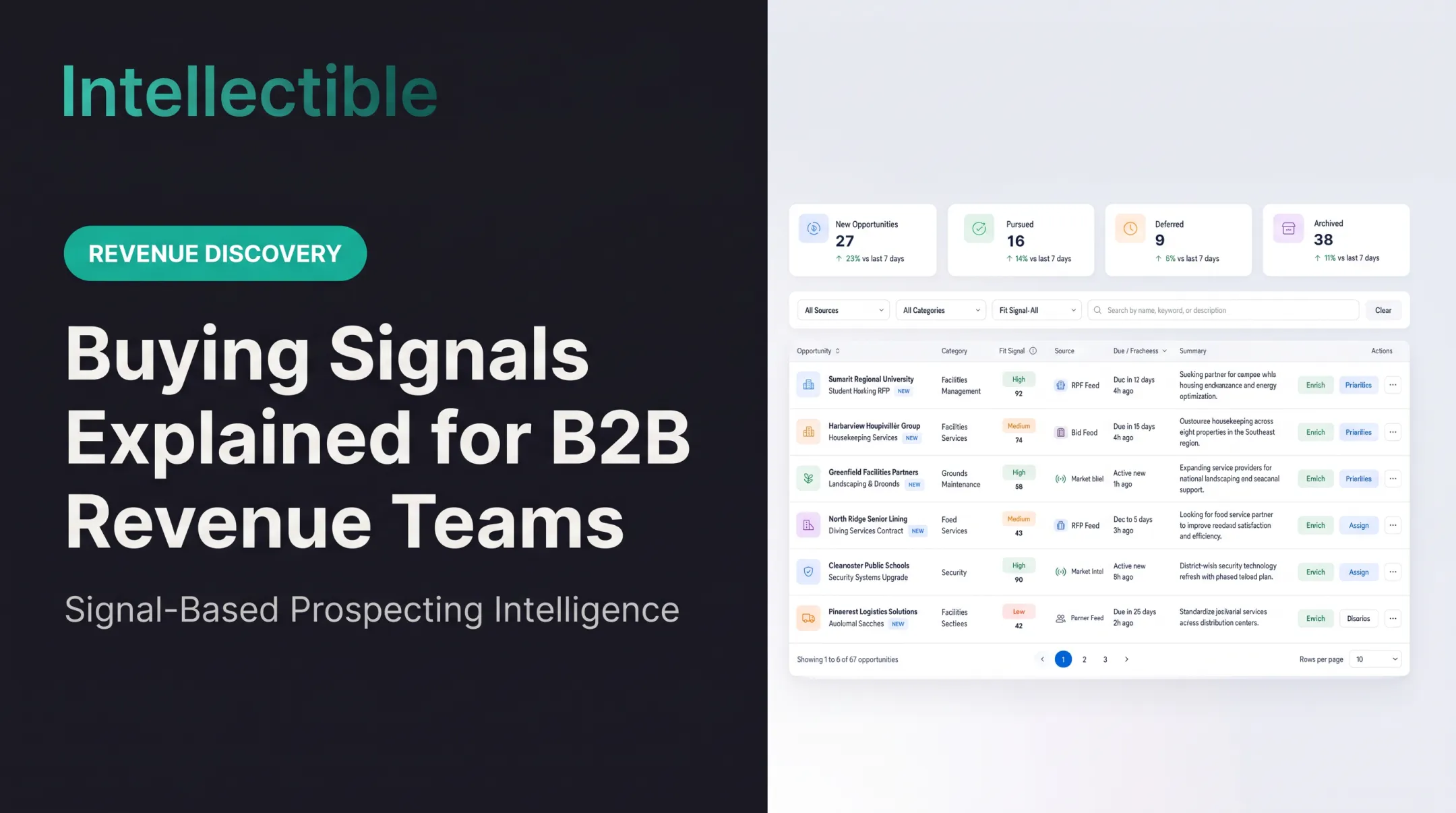
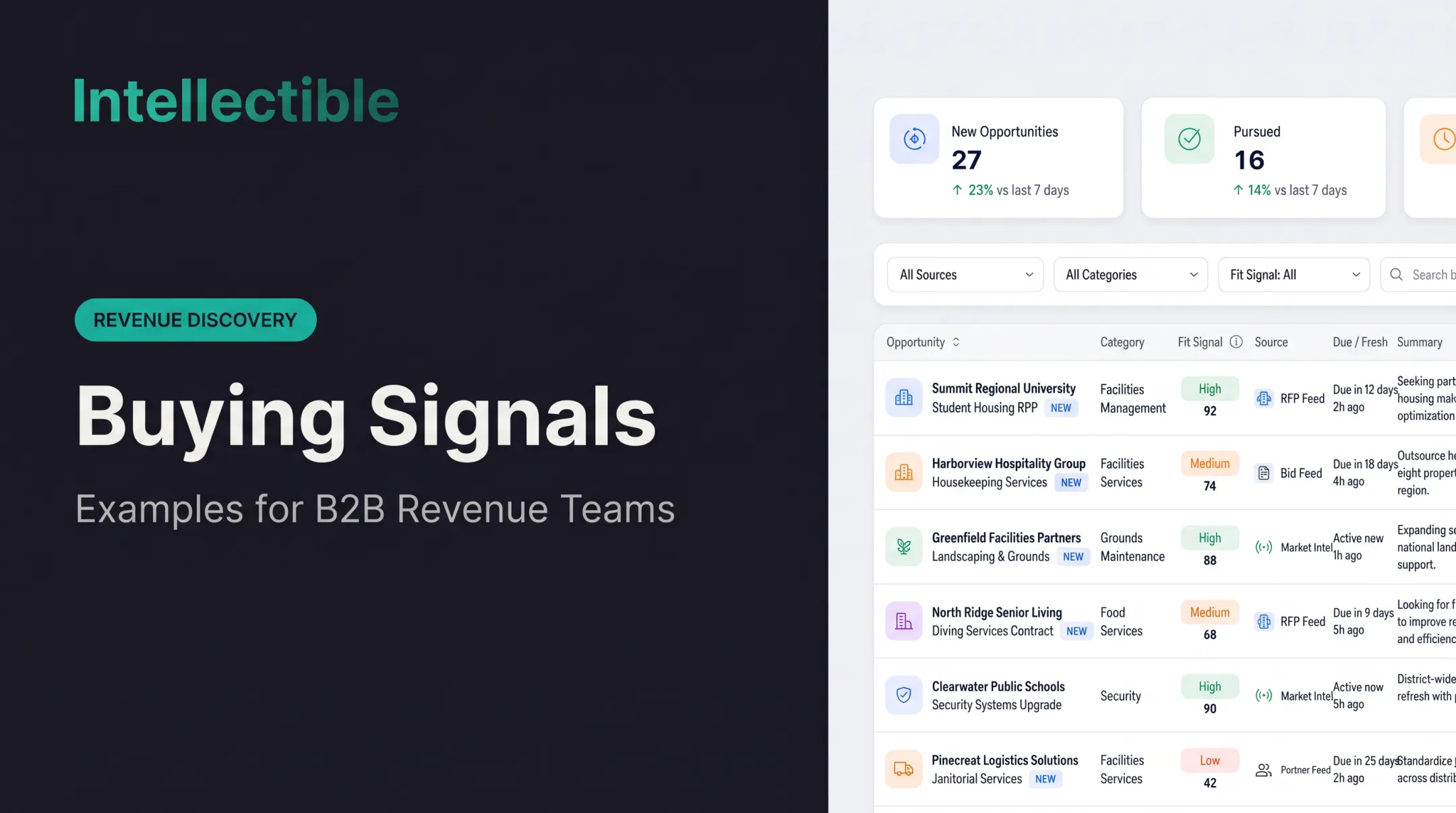
Intellectible's Revenue Discovery workflows center on buying-signal monitoring that runs around the clock, plus qualified-account queues. Pricing and pursuit sit on separate engines on the same platform.
How a Revenue Discovery System Works
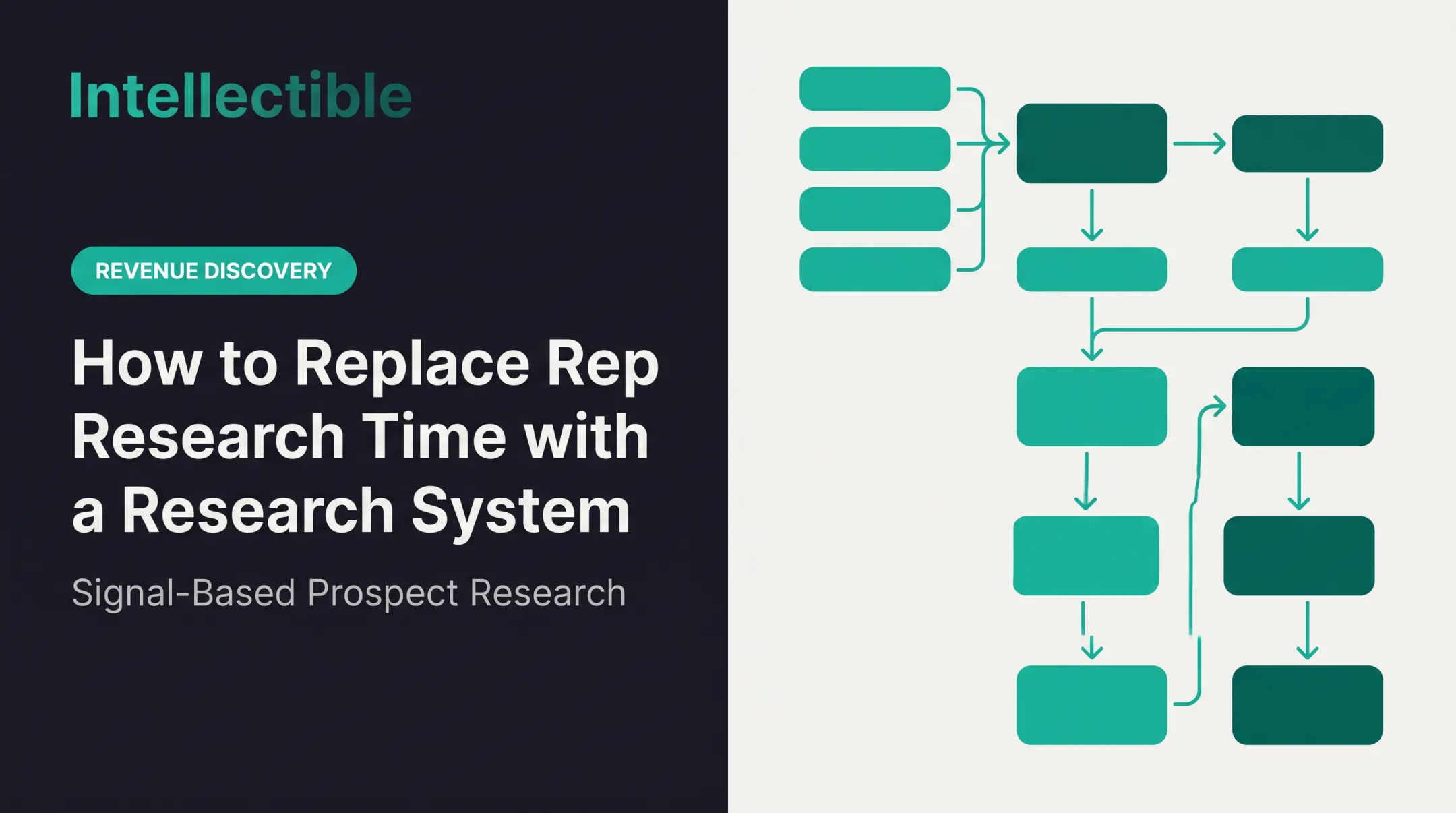
The conceptual flow has six moves:
- Connect signals
- Normalize and enrich
- Detect potential
- Apply qualification logic
- Route tasks and decisions
- Capture results
Typical inputs include:
- CRM and ERP records
- Transaction history and public opportunity data
- Proposals, pricing, cost data, and contracts
- Emails, forms, APIs, spreadsheets, and knowledge bases
Typical outputs are structured records, scored opportunities, recommended next actions, alerts, and decision queues.
Revenue discovery starts with the target market and the purchase you want to detect. It combines fit, observable account changes, source evidence, relevant buying roles, and seller workflow to decide which accounts deserve attention now and why. The useful output is a reviewable queue and an action brief, not merely a larger database.
- Business rules and thresholds
- Role-based access and confidence levels
- Approval gates, exception handling, and audit trails
NIST's AI Risk Management Framework addresses human oversight roles and explainability for this reason.
Step 1: Connect and organize revenue signals
Pull data from existing tools into a shared, structured workspace. Then deal with the unglamorous parts:
- Deduplicate records
- Assign source ownership
- Check freshness
- Apply permissions
- Flag missing fields
Skip this and everything downstream inherits the mess.
Step 2: Discover and qualify opportunities
AI, rules, matching, classification, and enrichment surface relevant opportunities. Each is compared against criteria such as capabilities, customer fit, geography, contract requirements, timing, margin, and capacity.
Take a Go/No-Go decision on a government solicitation. The system matches it to your capabilities, checks contract size and deadline against capacity, and presents a scored recommendation. A person decides. Lead-conversion scoring and opportunity-win scoring predict different outcomes, so choose the model that matches the decision you need.
Step 3: Route, execute, and learn
Qualified work moves to sales, proposal, pricing, finance, leadership, or operations through tasks, alerts, and approval workflows. Outcomes then feed reporting and sharpen future prioritization.
Intellectible's managed horizontal AI build platform is one example of infrastructure for this. Its documented Revenue Discovery flow runs:
- Detect, Gate, Promote
- Draft, Approve, Call, Qualified
It scores accounts for fit and urgency with editable weights, uses four human approval gates, and drafts everything while sending nothing automatically. Confirm which capabilities ship out of the box and which need configuration.

Key Factors, Common Issues, and When It May Not Fit
Key factors that affect results
- Data quality: accuracy, completeness, timeliness, and consistent account and opportunity definitions. Forrester links poorly maintained B2B account data to misdirected selling and lost revenue.
- Integrations and scale: CRM and ERP connectors, API reliability (throttling and retries are normal), update frequency, and room to add workflows without a rebuild.
- Security and control: least-privilege access, protection of sensitive commercial information, audit logs, retention rules, and named approval owners.
- Explainability: consequential decisions need a human reviewer who can see why a score came out as it did.
California's CCPA exemptions for B2B contact data expired at the end of 2022, so check whether the rules apply to your data and workflows.
Common issues and misconceptions
More alerts do not mean more revenue. Relevance, qualification accuracy, adoption, and completed follow-up matter more than volume. In one HockeyStack study of 94 B2B SaaS companies, only 27% of high-intent inbound MQLs became opportunities.
Four things get confused, and each needs its own metric:
| Stage | What to measure |
|---|---|
| Signal | Volume, source accuracy, false-positive rate |
| Qualified opportunity | Acceptance rate against defined criteria |
| Forecasted deal | Pipeline value, stage progression |
| Realized revenue | Closed-won value, recognized revenue |
Definitions also differ by vendor. HubSpot and Salesforce define "opportunity" differently, so set your own.
When it may not be appropriate
It may be premature when:
- Data volume is small
- Qualification criteria are undefined
- Nobody owns follow-up
- Source systems are unstable
- The process is simple enough to run manually
Alternatives can fit better in those cases:
- CRM cleanup for unreliable records
- BI for historical visibility
- Revenue intelligence for deal analysis
- Account-based marketing for named accounts
- A single workflow automation when that is enough
A warning sign: adoption by default. RAND's interviews with 65 experienced data scientists and engineers found AI projects often fail because the problem was misunderstood or the technology came first. If you cannot name the revenue problem, wait.

Conclusion
A revenue discovery system converts scattered commercial signals into prioritized decisions and coordinated revenue work. Its value depends on connected data, explicit qualification logic, accountable human decisions, reliable execution, and measurable feedback.
Apply it deliberately. Start with one high-value revenue workflow, define success criteria before launch, and expand only once it runs reliably.
Frequently Asked Questions
What does sales intelligence provide?
Sales intelligence tools such as ZoomInfo, Apollo, and Cognism help teams find and enrich company and contact information, with additional capabilities varying by package. Contact data can answer who works at an account and how to reach them. It does not by itself establish why this week is the right time for your specific service.
What does revenue discovery add?
Revenue discovery starts with the target market and the purchase you want to detect. It combines fit, observable account changes, source evidence, relevant buying roles, and seller workflow to decide which accounts deserve attention now and why. The useful output is a reviewable queue and an action brief, not merely a larger database.
How do the questions each category answers differ?
Compare the questions directly: contact intelligence helps answer who; revenue discovery helps answer who, right now, and why. Both still depend on account identity, data quality, coverage, and human review. Some sales intelligence platforms add signals, so evaluate the actual workflow rather than treating category names as hard boundaries.
Can the categories work together?
Most teams may need complementary inputs. A public-source research process can identify an account change, and a contact provider can help resolve the relevant decision-maker. Keep the verified event, inferred need, contact confidence, and intended action separate so enrichment is not mistaken for evidence of a purchase.
How should a sales team compare options?
Use the same market sample to evaluate options. Ask for source provenance, freshness, legal-entity matching, sector coverage, a reason to call, and CRM handoff. Compare what happens for eligible companies that never visit your website or research your category online.
Which option should the team choose?
Choose contact data when the immediate gap is reachability, a discovery workflow when the gap is which accounts to work and why, or both when the two gaps coexist. Measure seller acceptance, research time, sales-accepted opportunities, and total operating cost rather than buying another database because the team lacks prioritization.