Introduction
The first hour of account prospecting often repeats work another rep already did. A sales leader can audit that time, define a shared research record, and monitor the sources once across the market. The output should be a current account brief with a reason to call, not another spreadsheet that expires after delivery.
The cost is real. Salesforce's 2026 State of Sales report found sellers spend only 40% of their time selling.
A research system fixes this. It combines intake rules, trusted sources, structured records, automated workflows, decision criteria, human review, and reusable outputs. This article shows how to build one.
Key Takeaways
- Replace ad hoc research requests with one standard intake.
- Automate evidence gathering; keep consequential decisions with people.
- Store findings as structured, source-linked records.
- Measure cycle time, evidence completeness, corrections, reuse, and adoption.
Why Rep Research Time Does Not Scale
Manual research produces four predictable problems:
- Duplicated effort, because no one knows what a teammate already found
- Inconsistent qualification, since each rep applies a different standard
- Undocumented assumptions that disappear when the rep does
- Dependence on the one person who knows where to look
Scattered outputs are hard to reuse
Audit the first hour a rep spends on a new account: checking fit, resolving the company identity, reading operating changes, finding the incumbent and decision-maker, and preparing a reason to call. When every rep repeats those steps independently, the team pays for research many times and loses the evidence when a spreadsheet or browser tab disappears.
CRM data illustrates the damage. In Validity's 2024 survey, 68% of respondents reported incomplete records and 53% reported duplicates. That is survey data, not an audited figure, but it matches what most teams see.
More reps won't fix it
Hiring more reps multiplies the problem when the workflow, source list, decision criteria, and output format are undefined. You get more variation and more rework. The fix is to scale the process, not the headcount.
What a Research System Includes
Define the decisions before choosing tools
Start with the decisions research must support:
- Pursue this opportunity or not?
- Does this account fit the target profile?
- Are the requirements met?
- Is a pricing or proposal action justified?
For each decision, document:
- Inputs and required evidence
- Decision rules
- Owner and deadline
- Expected output
That defines what "complete" means.
Build a trusted source and data layer
Create a source registry of approved public, internal, subscription, CRM, document, and API sources. For each source, record:
- Owner and access rules
- Refresh cadence
- Known limits
For GovCon teams, that registry typically includes:
- SAM.gov for opportunity notices
- USAspending.gov for award data
- GSA's forecast of contracting opportunities
Note the constraints: SAM.gov's API requires a key, caps the posted-date range at one year, and its terms prohibit automated scraping outside the API.
Every material finding should keep its source, timestamp, relevant passage, and verification status. Reps can then inspect the basis for any recommendation. NIST's AI RMF points to data provenance as a transparency and accountability practice.

Use a consistent research record
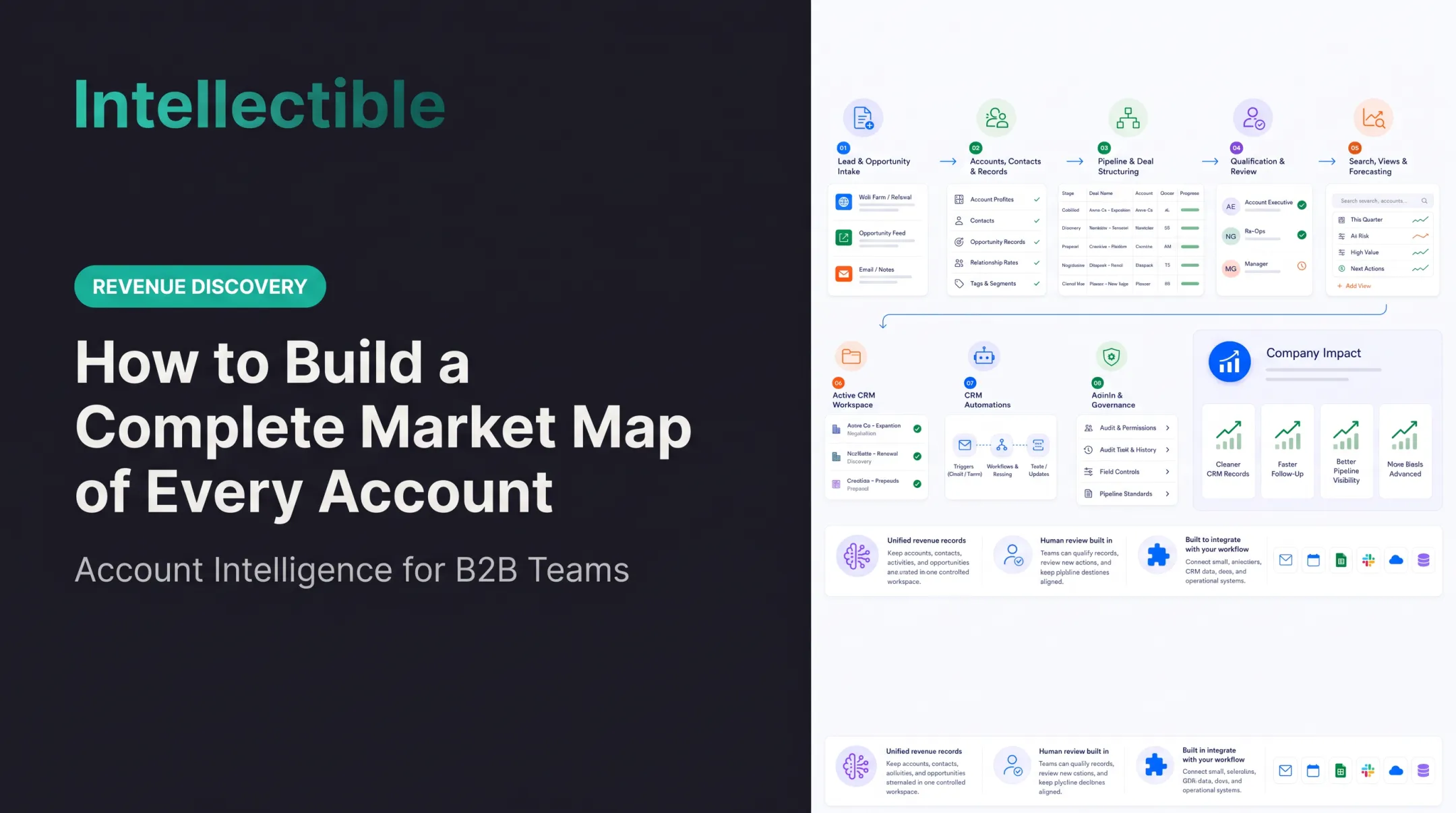
Design one schema for accounts, opportunities, solicitations, agencies, competitors, contract vehicles, requirements, contacts, dates, risks, and next actions. Structured records stop the same finding from being researched twice and let teams filter, compare, and update.
In Intellectible, for example, project-scoped PostgreSQL databases hold tables such as bid_opportunities and awardee_contact_info, with fields like agency, NAICS code, state, and source URL.
Orchestrate the workflow
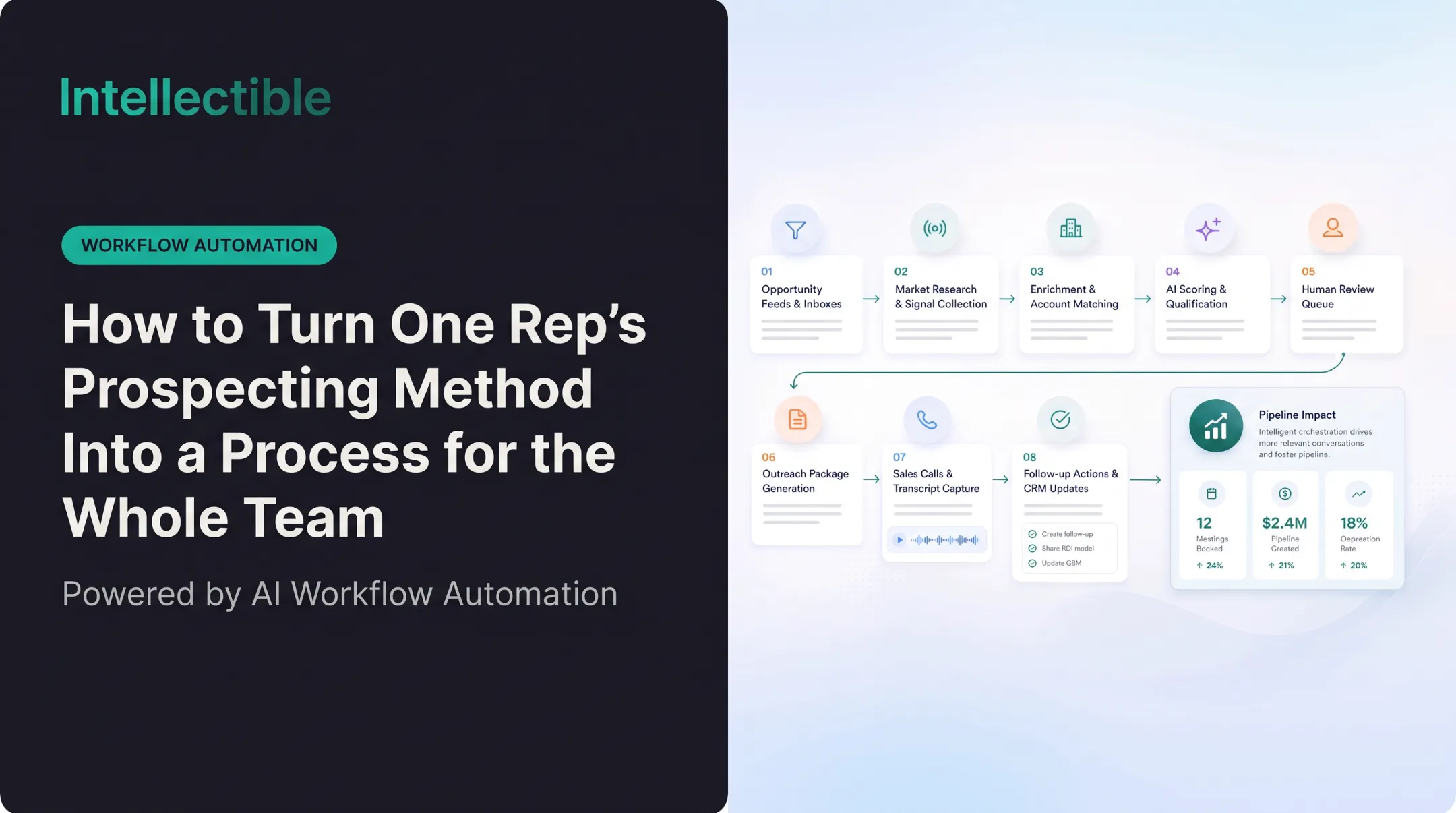
Map the sequence in stages:
- Intake and source discovery
- Extraction, normalization, and enrichment
- Scoring and human review
- Approval, publishing, and follow-up
Then add exception paths for:
- Missing information
- Conflicting sources
- Restricted documents
- Low-confidence extraction
- Unusual requirements
- Decisions beyond the system's authority
Make the output actionable
Build outputs around the rep's next move:
- Short opportunity brief
- Qualification recommendation
- Evidence packet
- CRM update
- Alert or proposal handoff
Skip the long undifferentiated report.
How to Design the Repeatable Research Workflow
Step 1: Standardize the research request
Use a required form or trigger that captures why the research is needed, the pending decision, the account or opportunity, the deadline, and the questions that must be answered.
Define request types and route each to its own workflow:
- Account research
- Opportunity discovery
- Qualification
- Competitor research
- Document review
- Pricing research
Step 2: Collect and normalize information
The system should:
- Search approved sources and retrieve documents
- Extract key content and remove duplicates
- Normalize names and dates
- Link related entities
Plan for messy reality:
- Inaccessible pages get flagged, not skipped silently
- Inconsistent terminology maps to a shared vocabulary
- Scanned documents go through OCR with confidence scores
- Changing web content is timestamped
- Unverifiable claims are labeled as such
Microsoft's Document Intelligence guidance recommends confidence thresholds to decide what gets accepted and what goes to a reviewer. Extraction prompts should also forbid guessing: return null and a data-gap note when a fact isn't stated.
Step 3: Apply qualification criteria
Turn your framework into transparent scoring factors. Common starting points include Shipley's bid/no-bid criteria and MEDDPICC. Typical factors:
- Customer fit and eligibility
- Timing and contract access
- Capability alignment
- Competition, risk, and expected effort
Scoring should surface evidence and prioritize review. It should never silently make a high-impact Go/No-Go call without an accountable owner.
Step 4: Add human review checkpoints
Route low-confidence findings, conflicting evidence, missing fields, and threshold decisions to the right rep, proposal lead, pricing owner, or manager.
Reviewers confirm, correct, reject, or supplement each finding. Those actions become part of the record and feed later improvements.
Step 5: Publish and trigger the next action
Push approved results to where work happens: CRM, opportunity workspace, proposal tracker, pricing queue, dashboard, or task list.
Link each result to its evidence and keep the decision history. Another rep should see what was found, who reviewed it, when it was current, and what comes next.

How to Implement the System Without Losing Human Judgment
Start with one high-value workflow
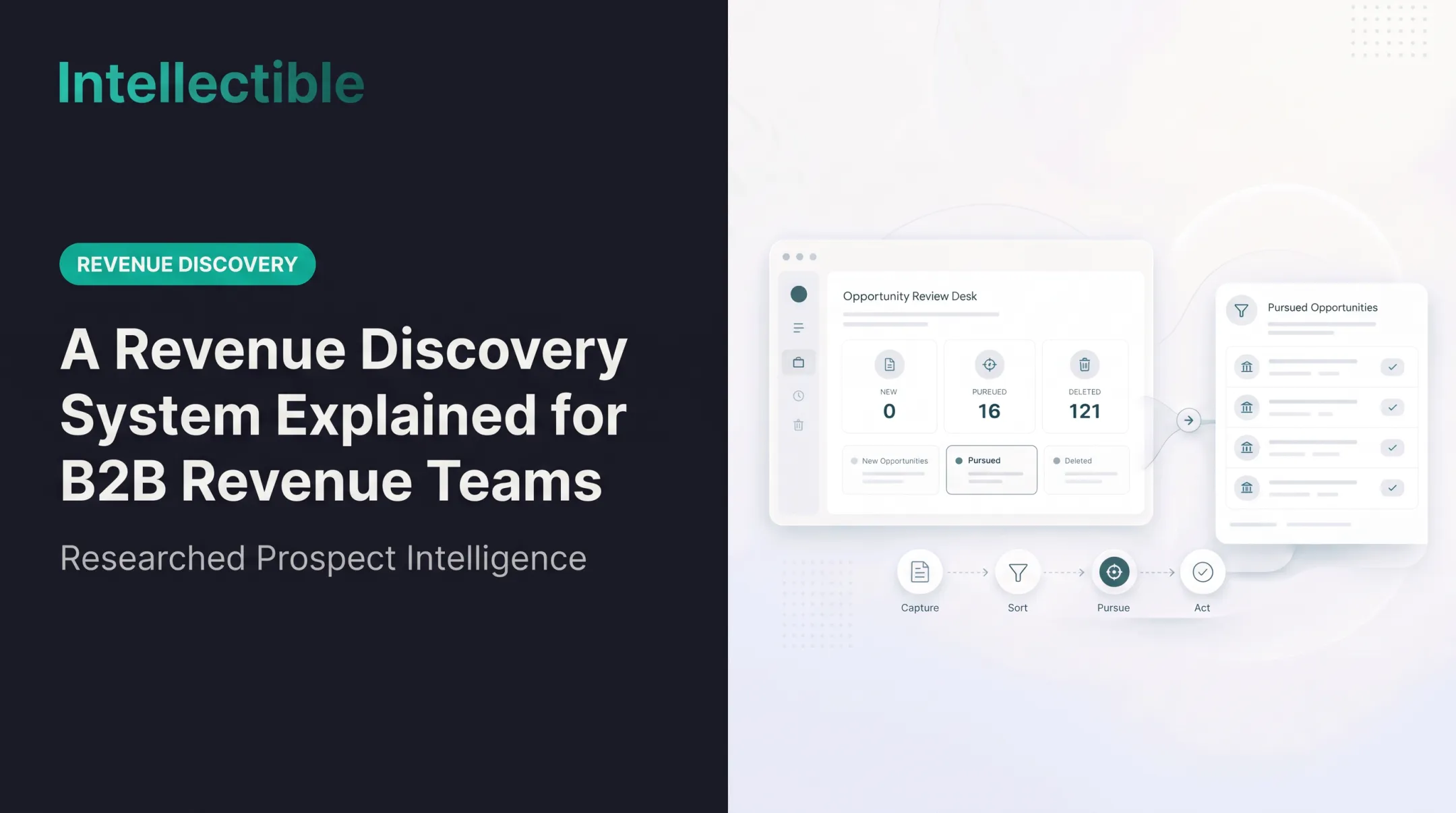
Pick a process with frequent requests, clear inputs and outputs, visible rework, and a real decision attached. Opportunity discovery or an initial Go/No-Go review fits well.
Baseline it first:
- Research hours
- Handoff delays
- Correction patterns
- Missing information
- Decision quality
Define the data model and ownership
Assign owners for:
- Source maintenance
- Qualification criteria
- Workflow changes
- Exception review
- Data quality
- Final decisions
Then specify field definitions, status values, permissions, retention rules, and what makes a record stale.
Automate the repeatable steps
Automate the steps where rules are stable:
- Retrieval and parsing
- Extraction and deduplication
- Classification
- Notifications and record creation
- Routine handoffs
Evaluate Intellectible’s Revenue Discovery Engine for the research workflow your sales organization needs: market-specific sources, entity matching, evidence review, account prioritization, and seller action packages. Confirm the actual source access, refresh cadence, and integrations in scope; a government opportunity sweep is not a substitute for researching your whole services market.
Build in governance and auditability
Include role-based access, citations, timestamps, version history, approval status, and change logs. Keep system-generated findings clearly separate from human-approved decisions.
Treat sensitive material carefully. FAR 3.104-4 restricts disclosure of contractor bid and proposal information and source-selection information to authorized persons. NIST SP 800-53 offers control families for access control and audit. Check which obligations apply to your organization before connecting sources.
Pilot, test, and roll out in stages
Run the workflow against historical cases. Include incomplete documents, conflicting sources, and edge cases where the right answer is to escalate rather than guess.
Train reps to submit requests, review evidence, correct results, and use outputs. Expand only after normal cases and exceptions both hold up.
Measure and Improve the System
Track speed, quality, and adoption together
Monitor:
- Research cycle time and time from request to decision
- Completion of required fields
- Source-verification rate
- Correction and escalation rates
- Rep adoption and record reuse
- Downstream outcomes such as win rate and sales-cycle length
Speed alone misleads. A fast system that produces unsupported findings or piles on review work makes decisions worse. Salesforce respondents expect agents to cut prospect-research time by 34%, but that is an expectation, not a measured result. Measure your own.
Create a quality-assurance loop
Use a time-audit worksheet with task, minutes per account, accounts per week, source, output, rework, and owner. Multiply minutes by account volume to expose the real workload. Separate one-off research from recurring checks and compare the time saved with the cost of reviewing the resulting account briefs.
- Source quality
- Extraction
- Outdated criteria
- Workflow logic
- Missing context
- Human approval
Fixing the wrong layer wastes effort.
NIST's AI RMF recommends comparing against a human baseline. It sets no universal sample size, so pick one your team can sustain.

Update the system as the business changes
Feed these signals back into prompts, rules, schemas, source priorities, and routing:
- Rep corrections
- Rejected opportunities
- Changed requirements
- New sources
- Recurring exceptions
A research system is an operating process with an owner and versioned changes. It isn't a one-time automation project.
Frequently Asked Questions
Which research work should be audited?
Audit the first hour a rep spends on a new account: checking fit, resolving the company identity, reading operating changes, finding the incumbent and decision-maker, and preparing a reason to call. When every rep repeats those steps independently, the team pays for research many times and loses the evidence when a spreadsheet or browser tab disappears.
What belongs in a research time-audit worksheet?
Use a time-audit worksheet with task, minutes per account, accounts per week, source, output, rework, and owner. Multiply minutes by account volume to expose the real workload. Separate one-off research from recurring checks and compare the time saved with the cost of reviewing the resulting account briefs.
What should the reusable account schema contain?
Define a research schema once for the market: legal entity, parent or location, fit criteria, evidence links, event dates, incumbent clues, relevant role, contact status, and open questions. Reuse resolved facts across the account universe instead of sending another rep back to the same sources.
How can research become a monitored process?
Create a repeatable source-to-review process using the registries, public records, company activity, CRM history, and niche data relevant to the offer. Deduplicate, flag uncertain identities, retain source dates, and monitor for changes. Source access and refresh frequency must be checked before promising broad or daily coverage.
How should this process be put into practice and measured?
Deliver an account brief with a written reason to engage, the source evidence, likely owner, and next action. Route missing evidence to research-needed and qualified accounts to the appropriate rep. Human review remains necessary for uncertain matches and commercial interpretation. Measure research time per accepted account, duplicate work, seller acceptance, first-touch time, and sales-accepted opportunities. A research system succeeds when useful intelligence stays current across the market and gives reps more selling time, not when it simply generates a larger prospect spreadsheet.