The data problem is real. A Validity survey found 53% of CRM users report duplicate records and 68% report incomplete data. Monitoring built on that foundation misses accounts.
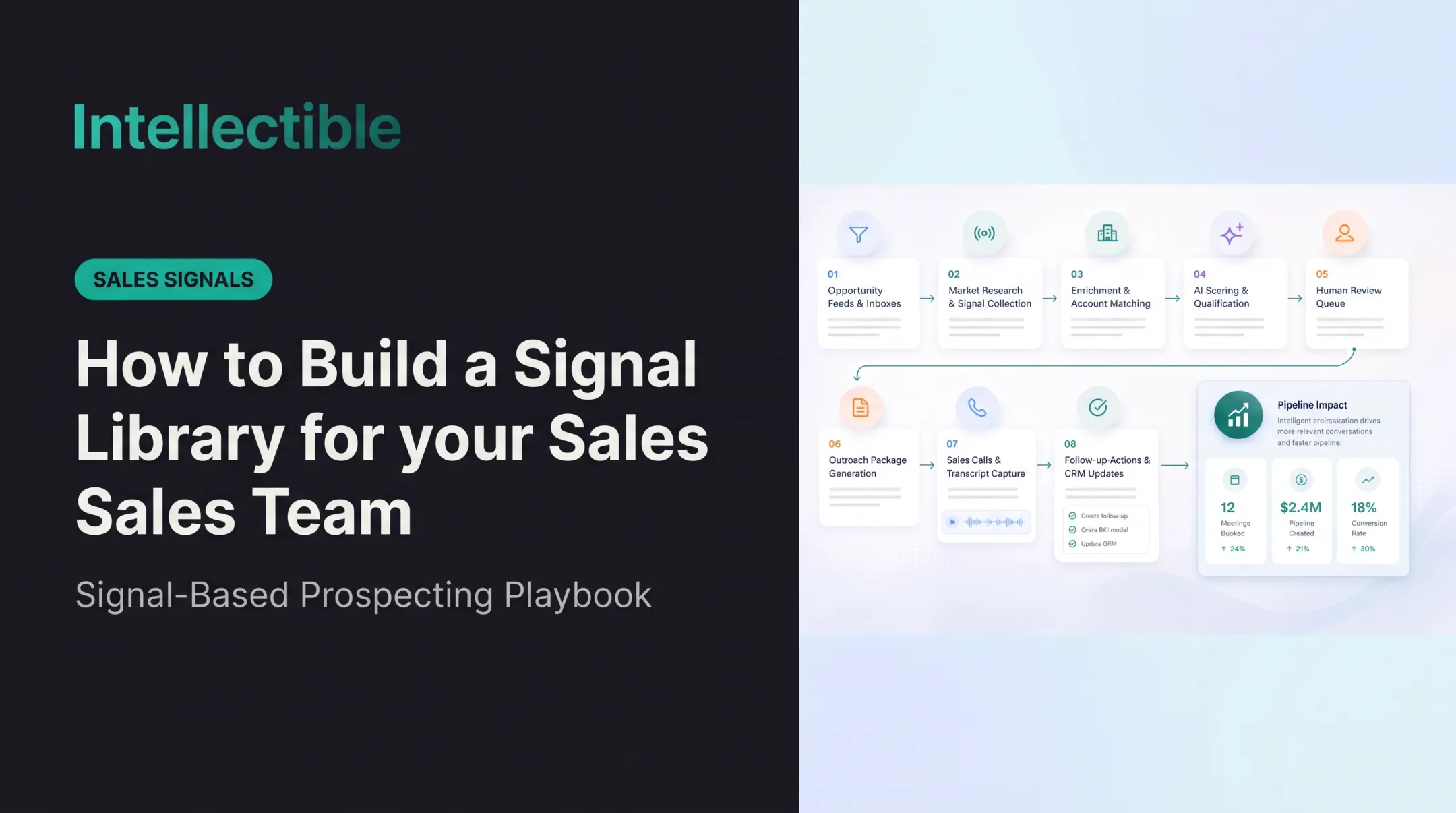
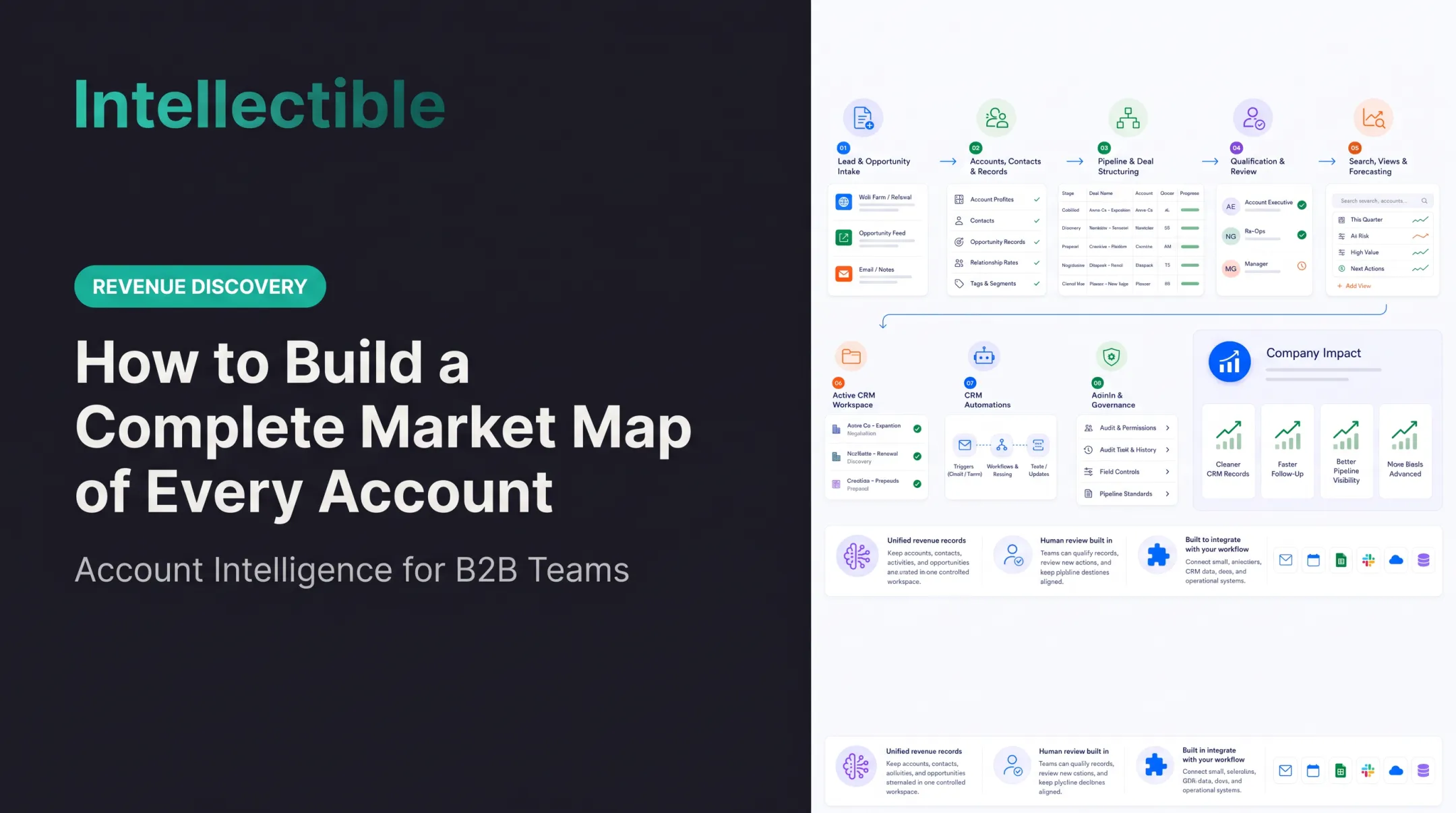
This guide walks through an operating model: build the account universe, define signals, connect reliable sources, prioritize daily changes, route actions, and improve over time.
Key Takeaways
- Start with a complete, deduplicated account list and clearly defined signals.
- Tier accounts so review depth matches urgency.
- Check source freshness and keep evidence links for every finding.
- Automate collection and routing; keep judgment with people.
How to Monitor Every Account in Your Market Daily
Step 1: Build and maintain the account universe
Start with the market your offer can actually serve, not a purchased vendor list. Define geography, service type, operating footprint, size, exclusions, and the unit you sell to: parent company, legal entity, location, or facility. A complete market map is complete against that explicit definition, not against a claim to cover every business everywhere.
Required fields:
- Account name and a unique identifier
- Owner, segment, lifecycle stage, industry, and territory
- Parent and subsidiary relationships
For government work, SAM.gov assigns each registered entity a Unique Entity ID, a 12-character identifier that makes a sturdy account key. Ownership fields in SAM registration can also help with hierarchy, though they don't guarantee a complete parent-subsidiary chain.
Then deduplicate, and set rules for adding, removing, merging, and reclassifying accounts as the market shifts.
Step 2: Define the signals and sources worth monitoring
Pick signal categories that could change an account strategy:
- Procurement activity and contract events
- Funding or budget changes
- Leadership changes
- Expansion and hiring
- Regulatory developments and operational risk
- Competitor activity
Map each signal to a trusted source and document access, update frequency, expected fields, and terms of use. Terms matter.
SAM.gov prohibits scraping its website and offers an API with a key. SEC EDGAR limits automated requests to 10 per second and requires a declared user agent. State procurement portals vary, since NASPO only maintains a directory of them, not a common API.
Then define "actionable": the evidence required, the owner who receives it, and the next step it triggers.
Step 3: Collect, normalize, and prioritize daily changes
Run collection daily, match each finding to the correct account, and write it to a consistent timeline.
Record for every finding:
- Source, timestamp, and evidence link
- Confidence level and signal category
- Status: new, changed, duplicated, stale, or contradictory
Then rank. Weigh business relevance, timing, account importance, confidence, and the likely next action. Don't forward raw updates to the team.
Step 4: Route actions, review outcomes, and improve the workflow
Send each prioritized change to the right account, sales, proposal, pricing, or operations owner, with a recommended action and a place to log the outcome.
Use human review for ambiguous, sensitive, or high-impact findings. Keep an audit trail of what was observed, reviewed, accepted, rejected, or escalated. The NIST AI RMF Playbook recommends documenting human oversight, overrides, and system logs.
A configurable platform can handle the repetitive layers. Intellectible's Revenue Discovery engine, for example:
- Runs team-defined signals on daily, nightly, or weekly schedules
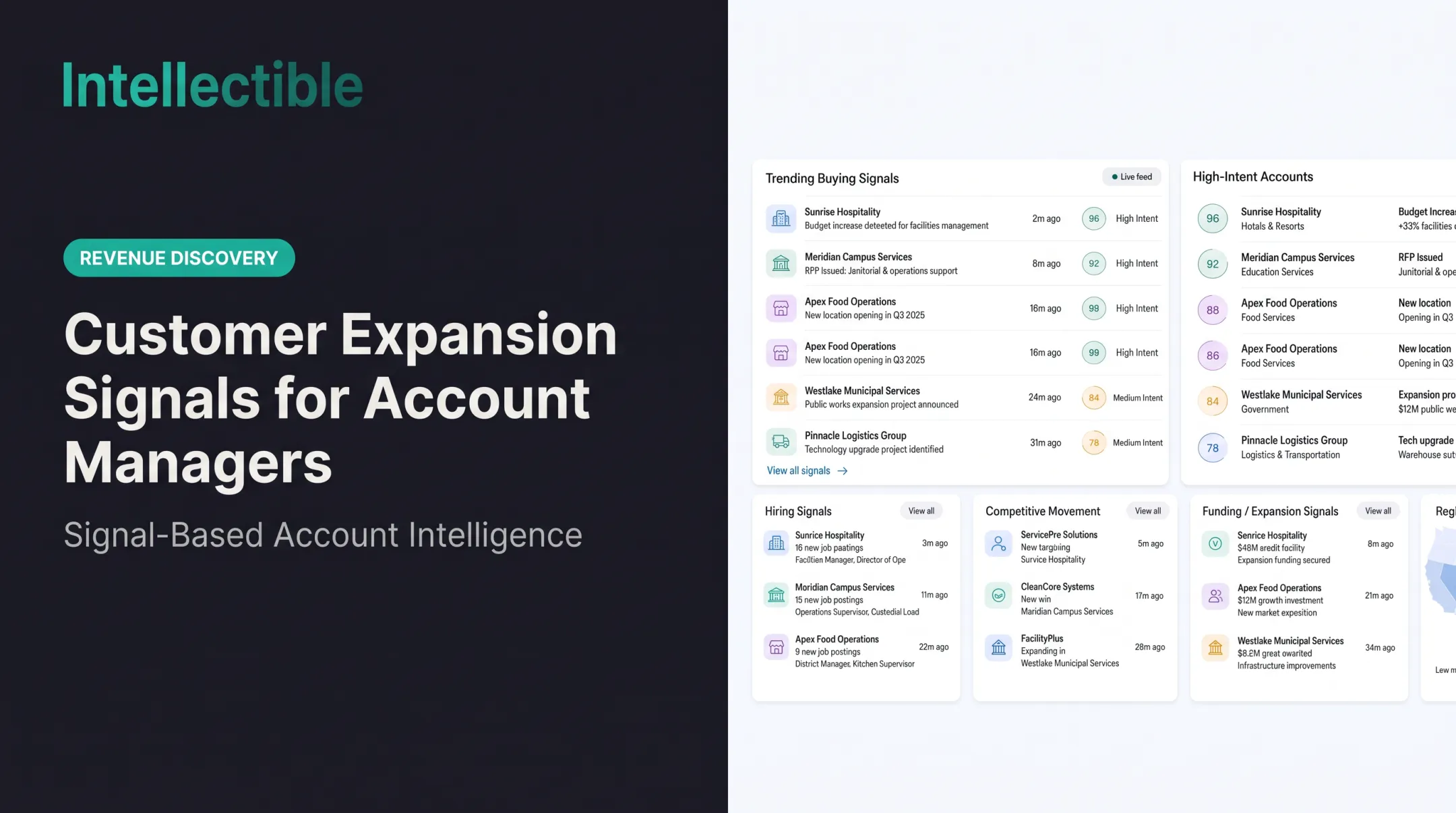
- Ranks live signals by severity in a Signal Monitor
- Moves qualifying accounts into a queue with evidence attached
Its workflow runs Detect, Gate, Promote, Draft, Approve, Call, Qualified, with four human approval gates. It drafts everything and sends nothing.

When Should You Monitor Every Account Daily, and What Do You Need First?
When daily monitoring is justified
Daily monitoring pays off when accounts change fast or a missed signal costs money: pipeline, proposal timing, retention, pricing, or compliance.
- Government contractors: FAR 5.203 generally gives 30 days to respond to applicable above-threshold solicitations, so a few days of delay eats a real share of the window.
- Federal and state opportunity pursuers: Notices come from many portals, each with its own cadence.
- Revenue operations teams: Hundreds of active accounts make manual checks impossible.
When it becomes inefficient or risky
Daily monitoring backfires with low-value alerts, fuzzy account boundaries, unverified sources, or constant manual research. Slower-moving accounts may need daily change detection but only weekly human review, depending on materiality and risk.
What you need before starting
Preparation decides whether you get intelligence or just another unstructured stream.
Systems
- A maintained account database or CRM
- Connections to approved sources
- A change-detection or workflow layer
- Dashboards or review queues, with access controls suited to the data
Inputs
- Account taxonomy and current ownership records
- Signal definitions, source list, and prioritization rules
- Escalation paths and a documented daily review schedule
Compliance readiness
- Data stewardship and source verification
- Source terms of use and permission management
- Privacy review: California's B2B exemption expired December 31, 2022, so business-contact data isn't automatically exempt. Colorado excludes commercial-context data; rules vary by state.
- Human approval for decisions involving customers, employees, pricing, proposals, or regulated information
Ownership is a common gap: Validity found 35% of respondents were unsure who owns data accuracy.

Key Parameters That Affect Results When Monitoring Accounts Daily
Quality depends less on how much data you collect than on coverage, relevance, freshness, and actionability.
Account coverage and segmentation
Maintain the universe as a monitored process. Track source refresh dates, newly opened or closed sites, ownership changes, duplicate corrections, and reassessment dates. Separate a daily monitoring run from the publication cadence of each underlying source: running daily does not make a quarterly file current every day.
Signal definition and prioritization
Vague definitions cause alert overload. Overly narrow ones miss important changes. For each category, set criteria for:
- Materiality
- Urgency
- Confidence
- Evidence quality
- Recommended action
Data freshness and source quality
An authoritative source can still be too old or delayed. USAspending data, for instance, arrives after agency submission, and DoD contract reporting carries a 90-day delay. Show these details so reviewers can tell a new development from a repeat:
- Timestamps
- Update status
- Source links
- Conflict flags
Workflow ownership and feedback
An alert without an owner, deadline, or disposition field rarely becomes action. Track each signal’s disposition, then tune rules from the results:
- Meeting
- Qualification change
- Proposal action
- Escalation
- Rejection
Common Mistakes When Monitoring Accounts and How to Troubleshoot Them
Common mistakes
- Treating a CRM export as a complete market map without checking for gaps, duplicates, inactive records, and ownership holes.
- Collecting every update instead of defining which changes matter to a decision.
- Automating recommendations with no source validation, evidence retention, confidence labels, or human review.
Troubleshooting
Missing or duplicated updates
- Causes: inconsistent naming, incomplete identifiers, duplicate records, weak parent-subsidiary matching
- Fix: Check the account key, merge rules, and source-to-account mapping
Too many low-value alerts
- Causes: broad definitions or no thresholds
- Fix: Review categories, suppress repeated events, and require a clear business action before routing
Stale or conflicting information
- Causes: delayed feeds, different reporting periods, conflicting records
- Fix: Compare timestamps, keep both sources, label uncertainty, and escalate material conflicts
Signals that produce no action
- Causes: unclear ownership, weak recommendations, missing workflow integration
- Fix: Assign each signal to a role, add a next-action field, and confirm the receiving team can follow up

Alternatives to Monitoring Every Account Daily
The right approach depends on market size, data volatility, team capacity, decision risk, and the cost of a missed signal. No head-to-head study compares these methods, so judge by fit.
| Approach | Better when | Trade-offs |
|---|---|---|
| Manual reviews and spreadsheets | Small, stable account set, or early design while you learn which signals matter | Flexible and cheap to start, but hard to scale, inconsistent, and weak on audit trails |
| CRM-native alerts and saved searches | Needed signals already live in the CRM | Easy to adopt, but limited for external sources, classification, and complex routing |
| Event-driven intelligence and automated workflows | Large or fast-changing markets needing approved external sources and role-based routing | Better coverage and less repetitive work, but demands governance, source upkeep, and oversight |
Manual tracking tends to break down in familiar ways: a file named v47_final_FINAL.xlsx, a chain of 17 automations, three owners, and every fix done by hand. That is usually the cue to move up a tier.
Conclusion
Daily monitoring works when the account universe, signals, sources, and ownership rules exist before automation arrives. Complete coverage detects changes across the market. Prioritization decides who gets human attention today.
Most failures trace back to poor account matching, noisy signals, stale data, unclear ownership, or too much trust in unverified automation. The strongest processes pair efficiency with evidence quality and a documented path from signal to action.
Frequently Asked Questions
What does a complete market map include?
Start with the market your offer can actually serve, not a purchased vendor list. Define geography, service type, operating footprint, size, exclusions, and the unit you sell to: parent company, legal entity, location, or facility. A complete market map is complete against that explicit definition, not against a claim to cover every business everywhere.
Which public sources should teams start with?
Choose authoritative sources for that market: CMS provider and hospital files for healthcare, FMCSA records for carriers, relevant business registries, public procurement records, and local permit or occupancy data for facilities. Inventory each source, its coverage gaps, refresh schedule, identifiers, and permitted access before combining records.
How do you deduplicate parent companies and facilities?
Deduplicate using stable identifiers where available, then resolve legal names, DBAs, domains, addresses, subsidiaries, and parent organizations. Keep a separate entity-resolution queue for uncertain matches. One parent with many facilities should not become many unrelated companies or one flattened record that hides local buying responsibility.
When should fit criteria be applied?
Add fit criteria before engagement or timing scores. Record why an account is eligible and which facts remain unknown. Compare coverage with your CRM and purchased lists to expose missing segments; do not silently discard public-source accounts simply because a data vendor has no contact record for them.
How do you keep a market map current?
Maintain the universe as a monitored process. Track source refresh dates, newly opened or closed sites, ownership changes, duplicate corrections, and reassessment dates. Separate a daily monitoring run from the publication cadence of each underlying source: running daily does not make a quarterly file current every day.
How does the map become an operating workflow?
Use the market map as the hub for source-specific research and signal collection. Assign account owners, preserve source provenance, and route changes into qualification queues. Report coverage, duplicate rates, unresolved entities, freshness, and sales-accepted opportunities so the map stays useful after its first export.